Client websites, our own working products and native apps. Two selected hospitality and brand concepts are clearly labelled.
LIVE PRODUCT
WE ARE MK STUDIO
A marketing studio with a personal point of view.
About this project
A complete identity and website for Madina Kabidenova’s marketing studio. The MK monogram, blue palette and scroll-controlled film lead into case studies and a callback form connected to Telegram and corporate email.
Our live JD Studio website brings web design, application development and automation into one studio identity, with motion-led storytelling, selected work and a direct project enquiry path.
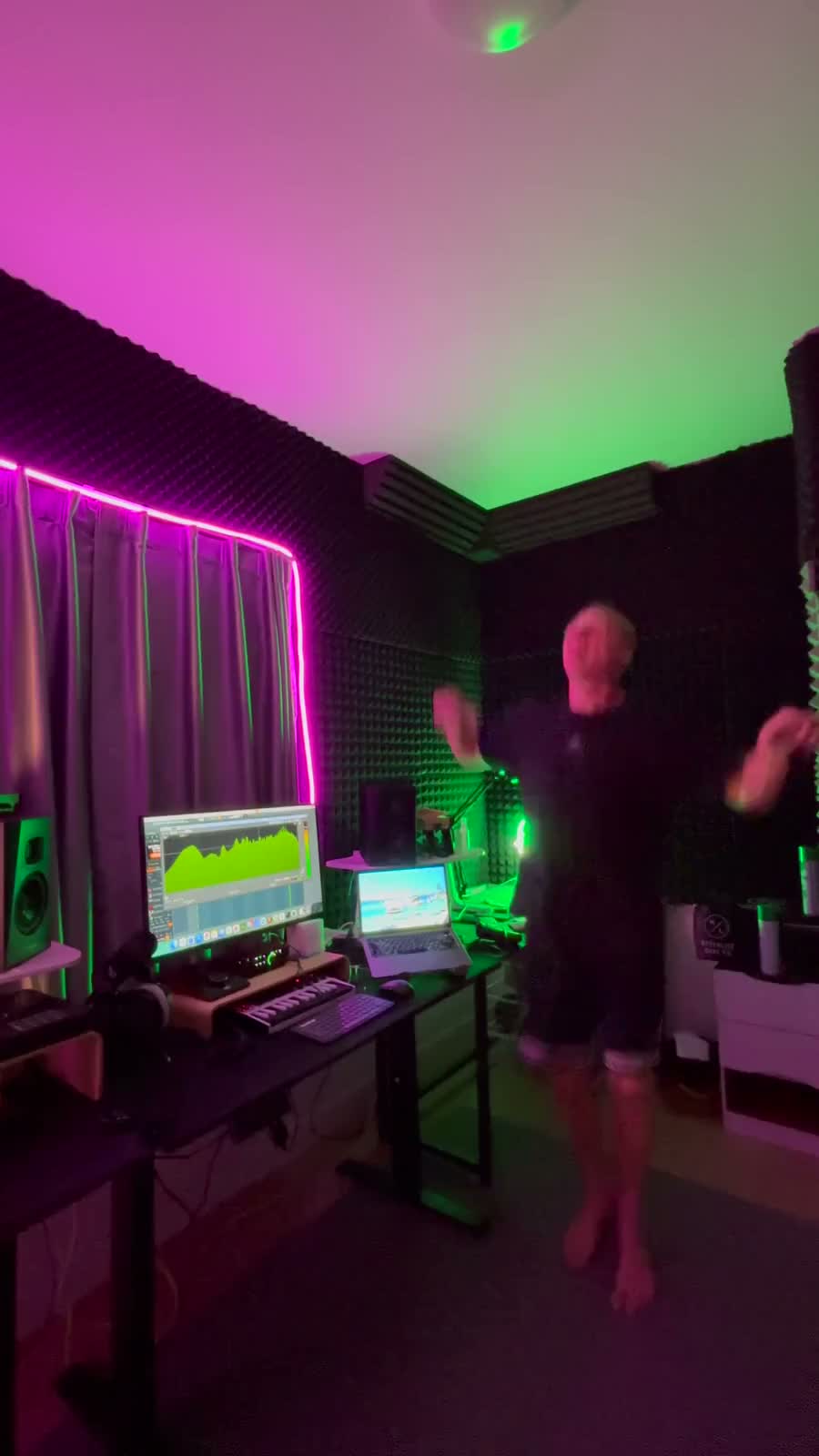
An artist website for a Bangkok-based DJ performing across Asia. Live-session video, selected SoundCloud mixes and direct Telegram booking bring his sound and identity together.
Learn verbs in your browser. Keep practising on iPhone.
About this project
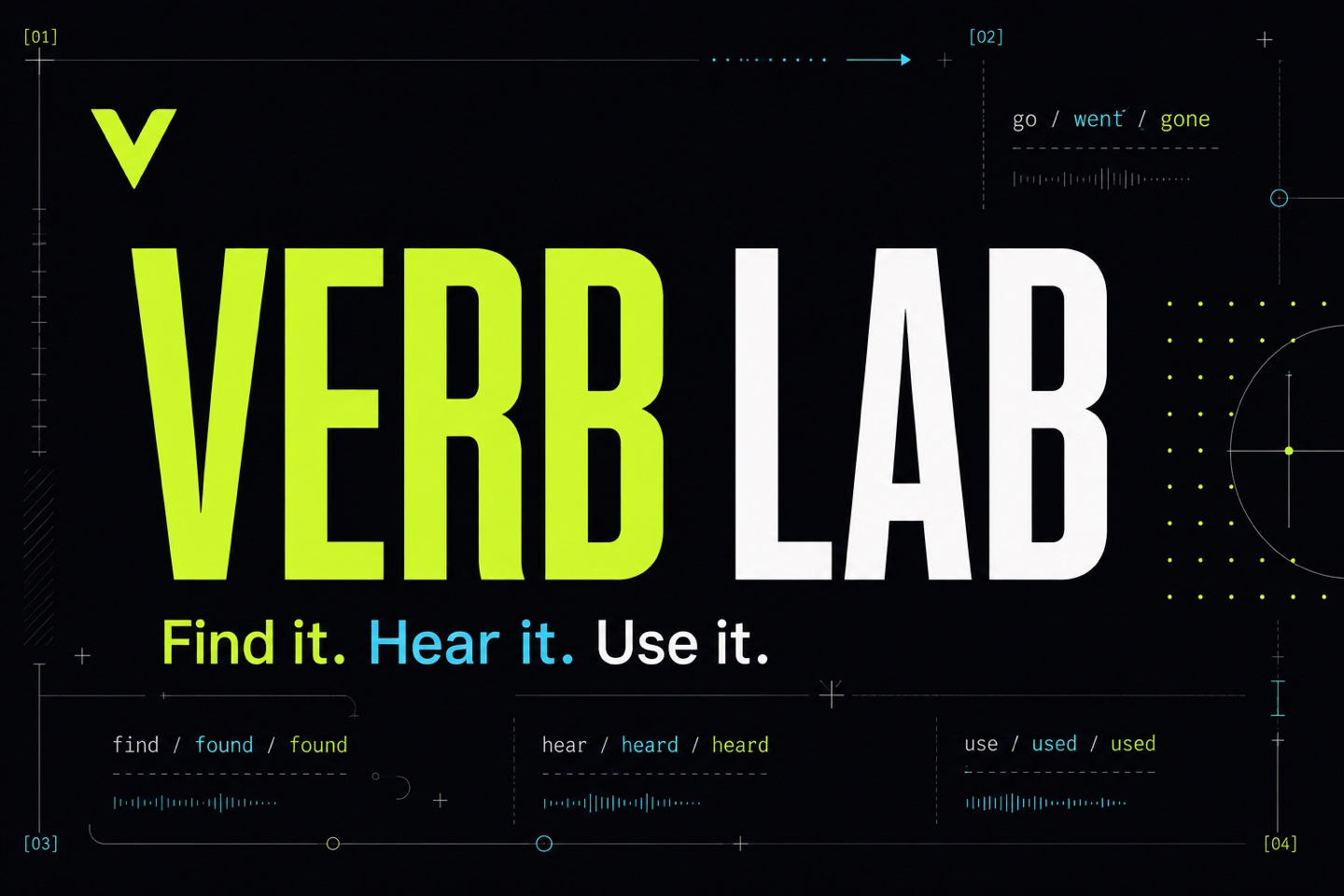
A language-learning website and native iPhone app for English and other languages. Search verbs, explore conjugation tables, listen to pronunciation and practise active recall with multilingual explanations. The web version works on phones, tablets and desktop browsers.
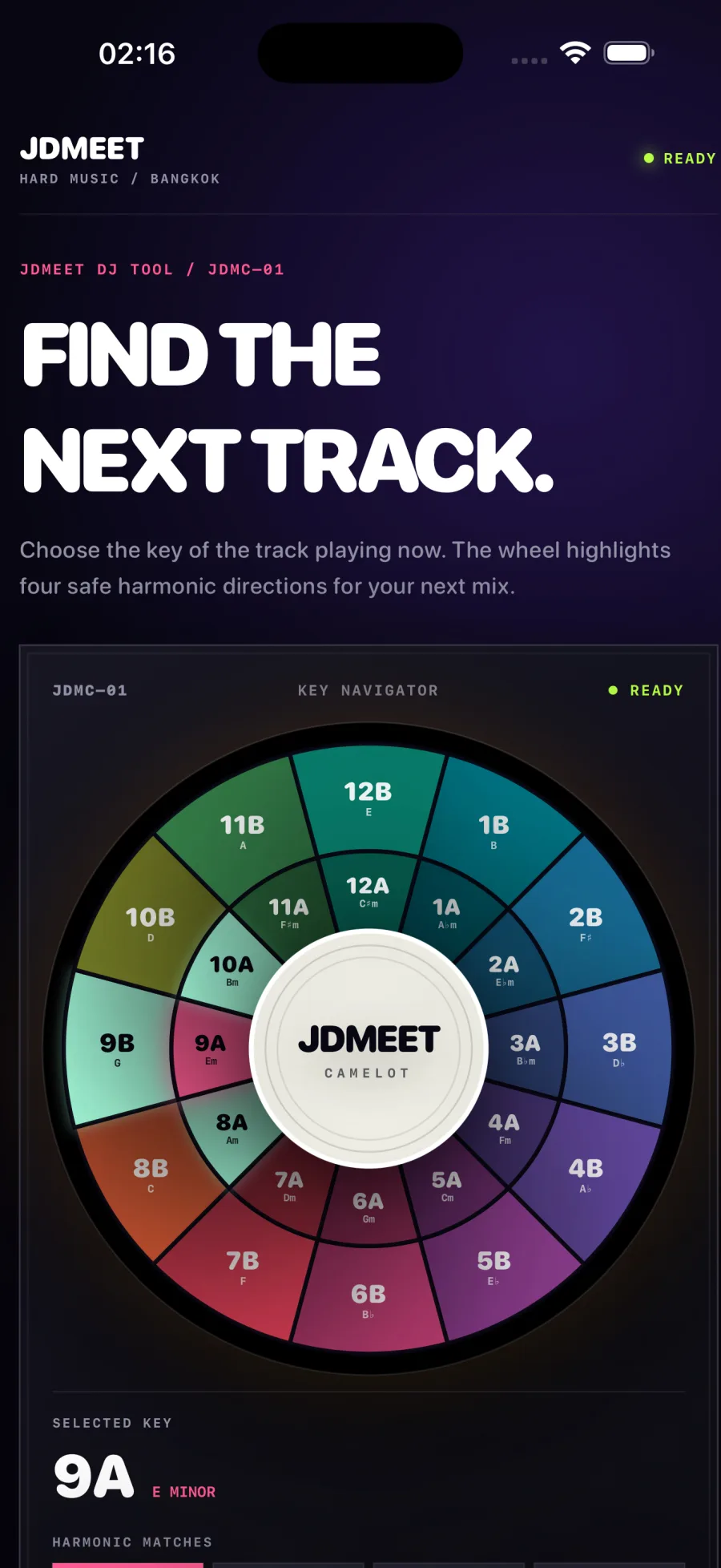
An offline harmonic-mixing companion for iPhone and iPad. Choose a key on the 24-key Camelot wheel to see compatible neighbours and relative major or minor keys. Includes haptic feedback and VoiceOver support, with no account or advertising.
A practical scope for website maintenance, monitoring, backups, lead delivery, reporting and accountable support—plus the items that need separate approval.
Map a Google Ads landing-page lead from accepted form to delivery, qualification and customer outcome with a practical search-to-sale measurement plan.
A copy-ready Google Ads landing page brief connecting search intent, ad promise, proof, qualification, tracking, lead routing and launch acceptance before design begins.
A practical framework for deciding whether to redesign the current website, rebuild the platform or improve the highest-leverage pages without replacing everything.
A realistic website redesign or rebuild timeline covering discovery, copy, development, content and SEO migration, integrations, quality assurance and launch.
Web application development typically costs $10,000–$100,000+, depending on workflows, roles, data, integrations and risk. Compare practical 2026 scope bands.
How North Growth Lab designed and built a responsive six-pad rhythm sampler with real audio, rapid retriggering and live waveform feedback for the JDMEET artist website.
Landing page or website for Google Ads? Use a six-check decision matrix, hotel and design-studio examples, and a practical brief to choose the right destination.
A transparent guide to landing-page scope, cost drivers and budgeting for businesses that need qualified leads from paid search—not a decorative one-page design.
A practical decision framework for choosing a website, web application, iOS or Android app—and knowing when the business needs a connected combination.
Compare iOS, Android and simultaneous mobile development by audience, product behavior, device requirements, release operations and commercial evidence.
How we rebuilt our studio website around real projects, distinct service pages and crawlable content, with a practical release record and clear measurement limits.
How to Audit a Tilda Website for SEO, Leads and Performance
Updated August 28, 2026
Audit a Tilda website across search visibility, page clarity, forms, analytics, mobile performance and the complete lead-delivery path.
This independent guide is not affiliated with Tilda. Platform settings and search behavior can change; verify the current Tilda and Google documentation before making production changes. The linked free scan reviews one public page and cannot inspect private Tilda settings, analytics or CRM delivery.
A Tilda audit needs both a public-page check and an owner check.
A public scanner can inspect the HTML, headings, links, visible trust signals, calls to action and measurable browser performance of a published page. It cannot see whether the right person receives a form, whether a CRM integration failed, which queries appear in Search Console or what visitors do after arriving.
Use the public scan as a reproducible first pass, then open the Tilda project and connected measurement tools for the owner-only checks. Keeping those evidence types separate prevents a healthy public page from hiding a broken lead workflow—and prevents a low automated score from being mistaken for a business outcome.
Choose one page and define its commercial job.
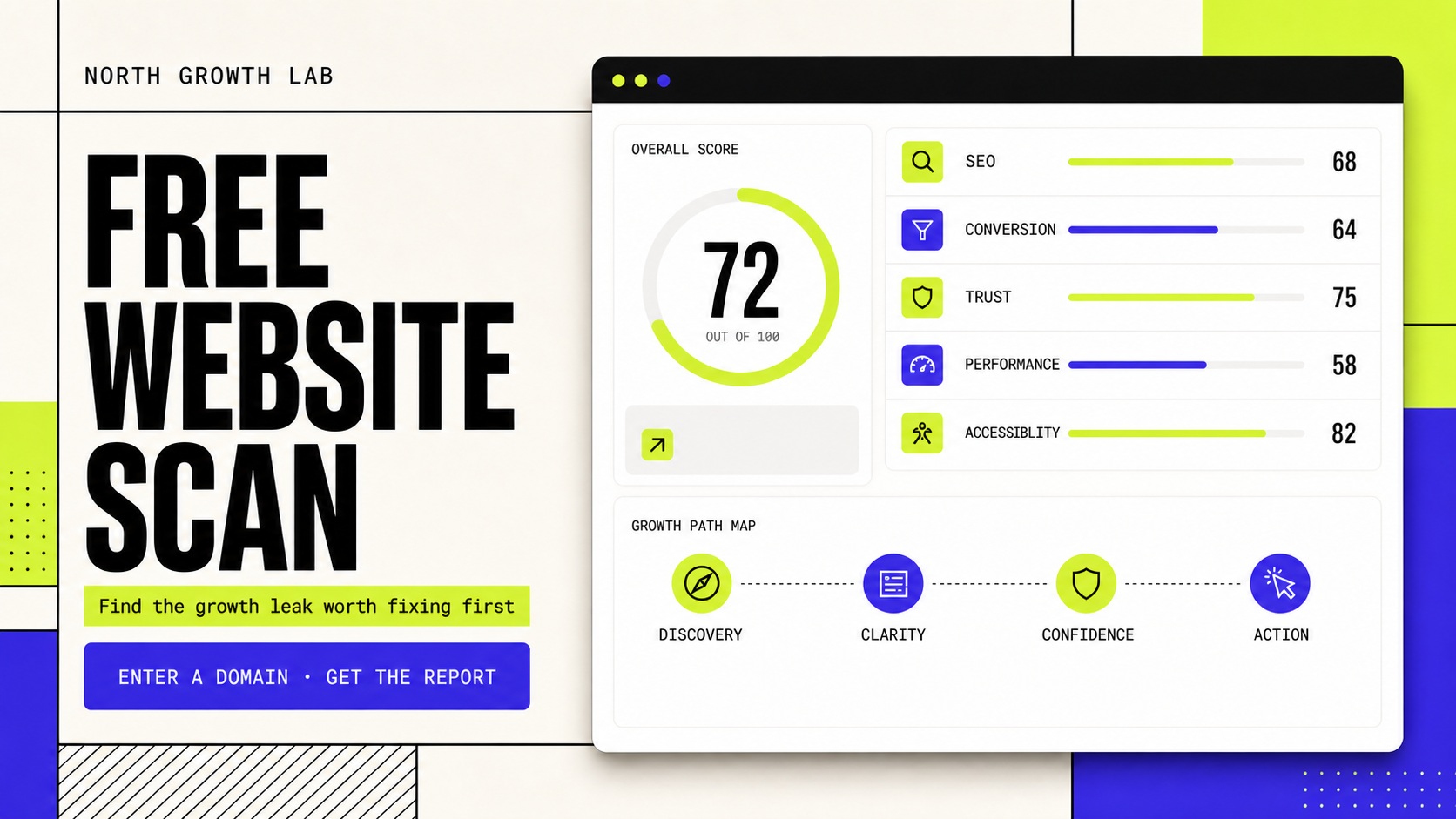
Run the free Website Growth Scan on that exact URL. Read its Discovery, Clarity, Confidence and Action findings as hypotheses to verify. A homepage, service page and campaign landing page have different jobs, so they should not be judged as interchangeable copies of one template.
Record the canonical public URL and the date of the audit.
Name the visitor intent: learn, compare, request, book or buy.
Identify one primary action and the exact confirmation the visitor should receive.
Save a baseline from Search Console, analytics and verified lead records before editing.
Check the search layer in the published output.
Tilda can generate a sitemap, but a sitemap is not a guarantee of indexing. Google recommends listing preferred canonical URLs and using Search Console to inspect how a page is seen. If duplicate domain or page variants exist, align redirects, canonical markup, internal links and sitemap inclusion around the preferred URL.
Check
Indexable page
What to verify
The intended URL returns normally and is not blocked from indexing
Evidence
Published response, robots controls and Search Console inspection
Check
Page meaning
What to verify
A unique title, useful description and one descriptive main heading match the page
Evidence
Rendered HTML and visible first screen
Check
Canonical
What to verify
The preferred URL is consistent across links, canonical markup and sitemap
Evidence
Page source, redirects and sitemap
Check
Internal path
What to verify
A visitor and crawler can reach the page through descriptive links
Evidence
Navigation and contextual links
Audit the page in visitor order: clarity, confidence, action.
Do not add more blocks merely to make the page feel complete. If the visitor cannot understand the offer, proof lower on the page will not repair the first decision. If the offer is clear but the form asks for unnecessary information, reduce friction before redesigning the entire site.
Clarity: the first screen states what is offered, for whom and what happens next.
Confidence: claims have relevant proof, business identity and realistic expectations nearby.
Action: the primary button is specific, visible and usable without competing choices.
Continuity: button, popup, form and confirmation repeat the same promise and required effort.
Test every form as a delivery system, not a visual component.
Use a controlled test submission and remove it from sales reporting afterward. Tilda documents automatic form-submission data in its statistics and virtual page paths for analytics, but those records still need to be reconciled with actual inbox or CRM delivery. An analytics event is evidence of a browser action—not proof that a human received the lead.
Stage
Submission
Pass condition
Required fields, validation and consent behave on mobile
Common hidden failure
The button appears to work but no success state is shown
Stage
Confirmation
Pass condition
The visitor receives a clear next step and response expectation
Common hidden failure
A generic success message creates uncertainty
Stage
Delivery
Pass condition
The inquiry reaches the controlled inbox or CRM with source and page context
Common hidden failure
A disconnected service or filtered email loses the lead
Stage
Ownership
Pass condition
A named person is alerted and follows a defined response process
Common hidden failure
Data arrives but nobody is responsible for it
Verify mobile performance without chasing a perfect lab score.
Test the published page on a narrow viewport and a realistic network. Look for a slow main visual, late font or image loading, layout movement, oversized media, third-party scripts and controls that become difficult to tap. Then compare Lighthouse lab diagnostics with available Chrome UX Report field evidence and real conversion data.
A score is useful for triage, not as a universal target. Fix a confirmed visitor constraint, republish the affected Tilda page, repeat the same test and watch the business metric that the page is meant to influence.
Use a short improvement loop after the audit.
This sequence works whether the best outcome is a small Tilda edit, a new landing page or a larger rebuild. The audit should reveal the smallest responsible intervention—not justify a predetermined redesign.
Baseline: save the page, search, performance and lead-delivery evidence.
Prioritize: choose the earliest issue that can block discovery or the visitor's next step.
Change: make one coherent Tilda update and republish every affected page.
Verify: retest the public page, form delivery and measurement event.
Compare: review qualified leads and search evidence after an appropriate observation window.
Tilda website audit FAQ.
Can a free scanner access my Tilda project?
No. The North Growth Lab scanner reviews one public URL. Private Tilda settings, Search Console, analytics, inboxes and CRM delivery require separate owner-authorized access.
Does Tilda automatically create a sitemap?
Tilda provides SEO features including a generated sitemap, but availability and exact settings should be checked in the current project and Tilda documentation. A sitemap suggests preferred URLs; it does not guarantee Google indexing.
What access is needed to optimize a Tilda website?
Use a separate collaborator account with the minimum project permissions required, plus read-only Search Console and analytics access where possible. Email, CRM, DNS or domain access should be granted only when the agreed work actually requires it.
Should I rebuild a slow Tilda website?
Not automatically. First identify the measured constraint, such as heavy media, scripts, layout movement or an unclear conversion path. A focused edit may solve it; rebuild only when the platform or current structure prevents the required outcome.