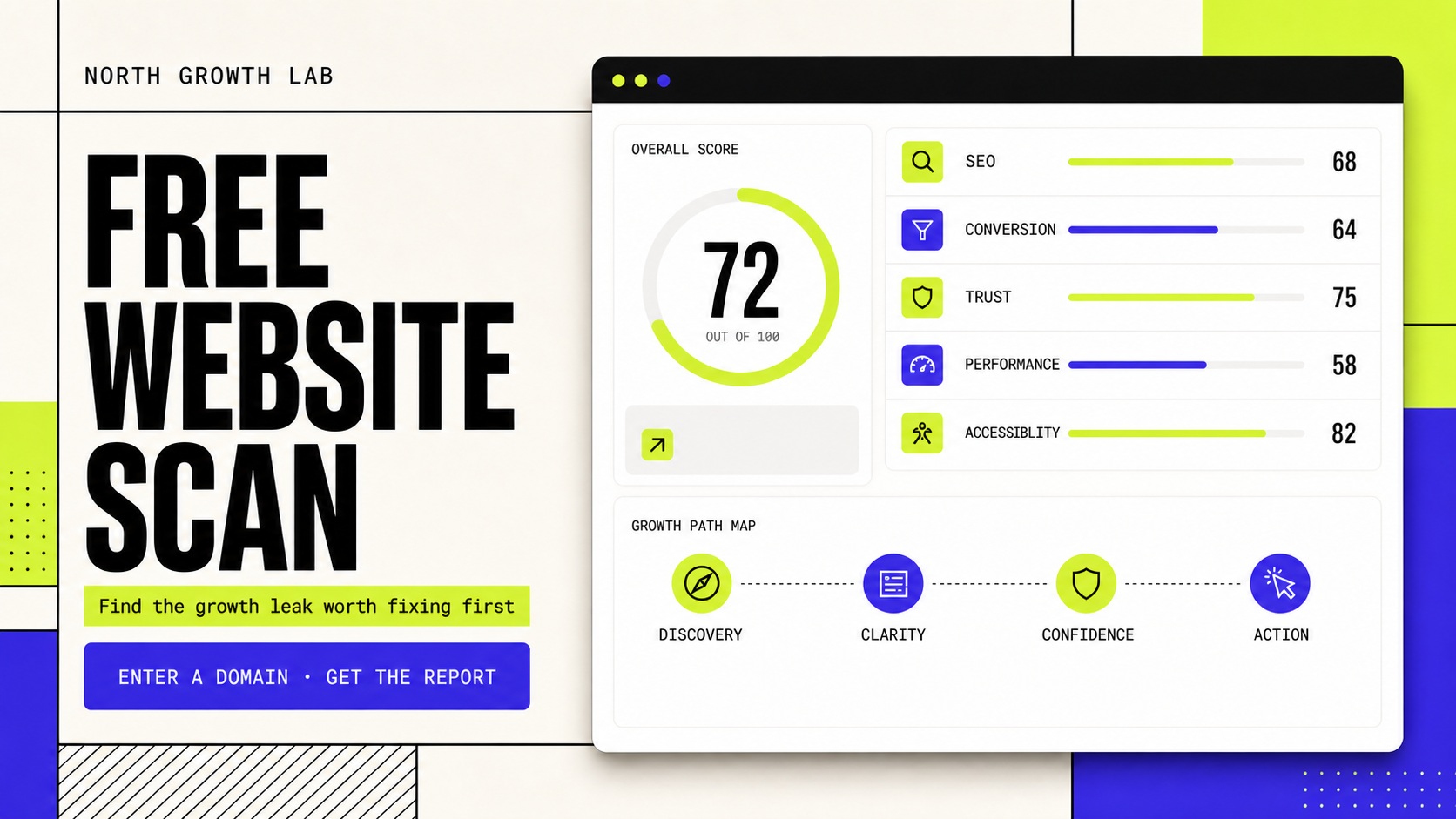
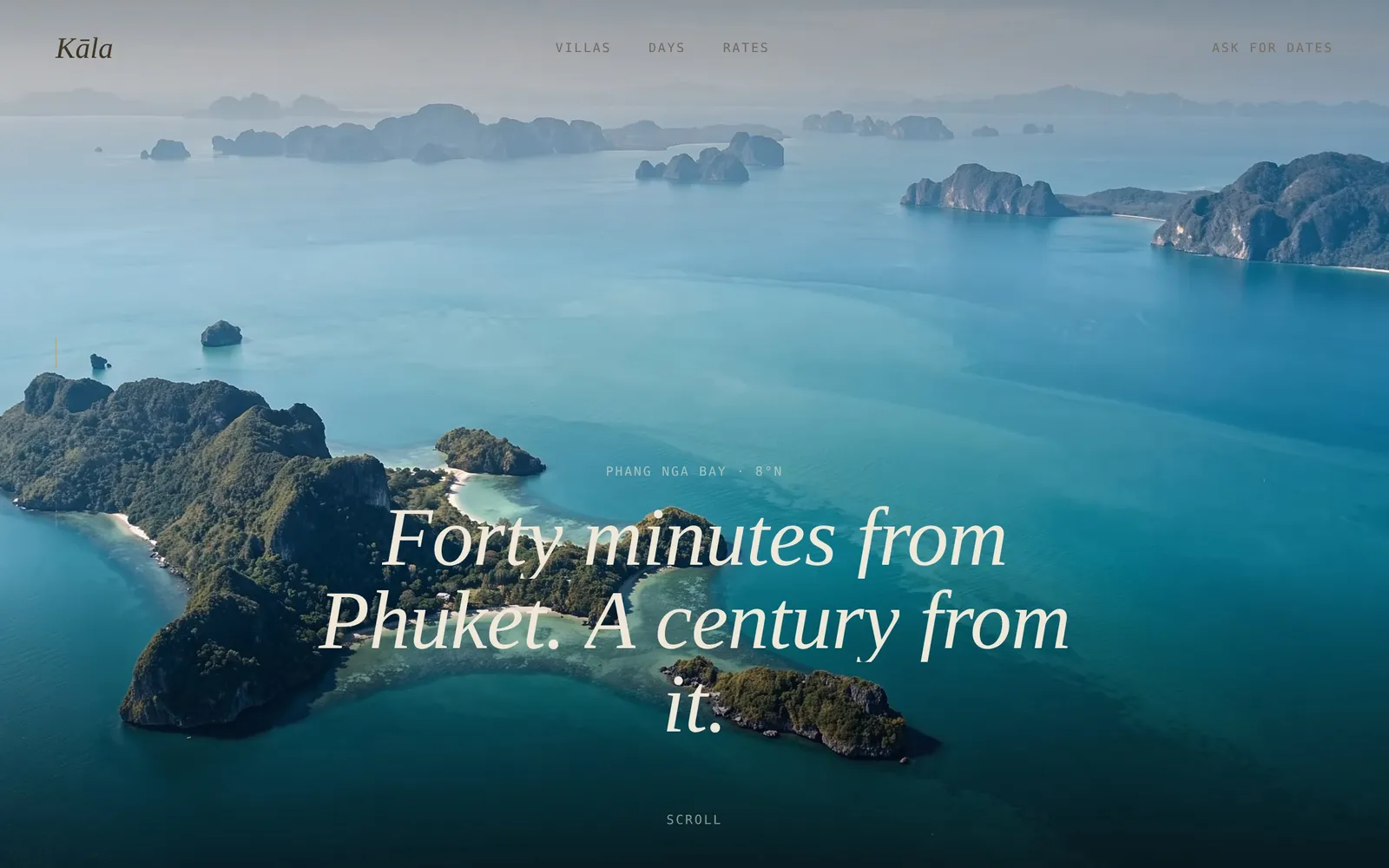
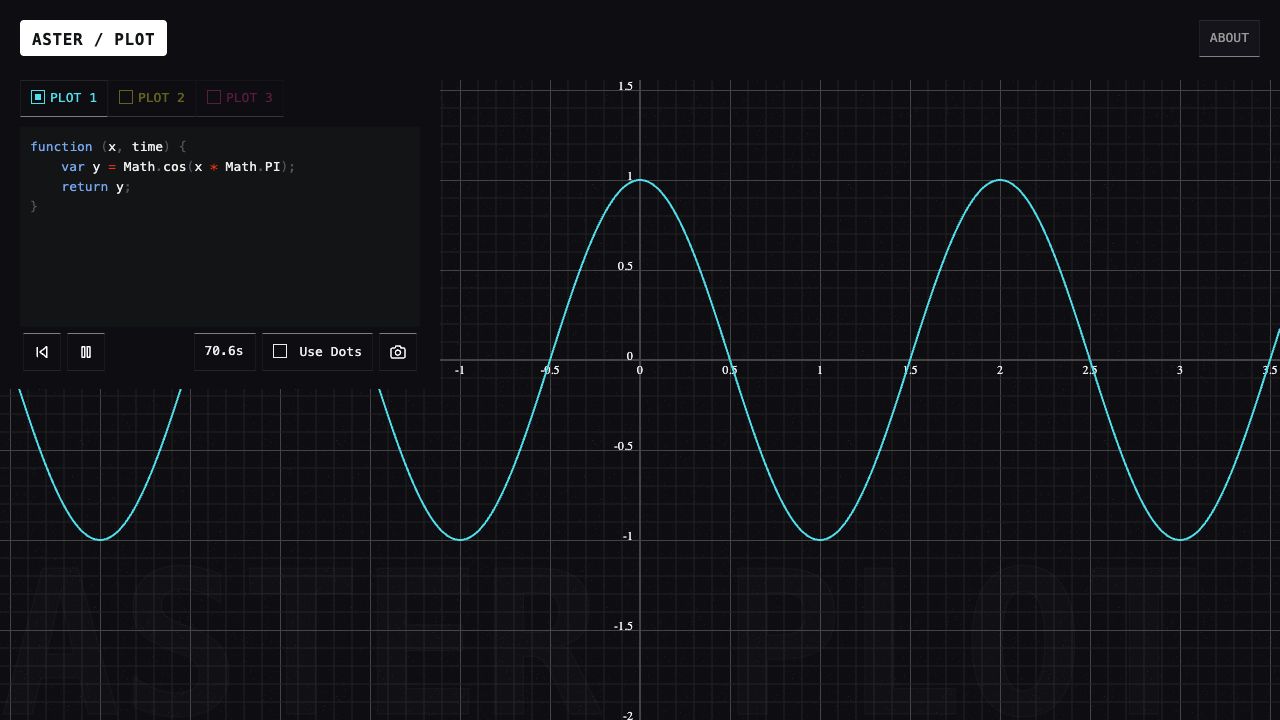
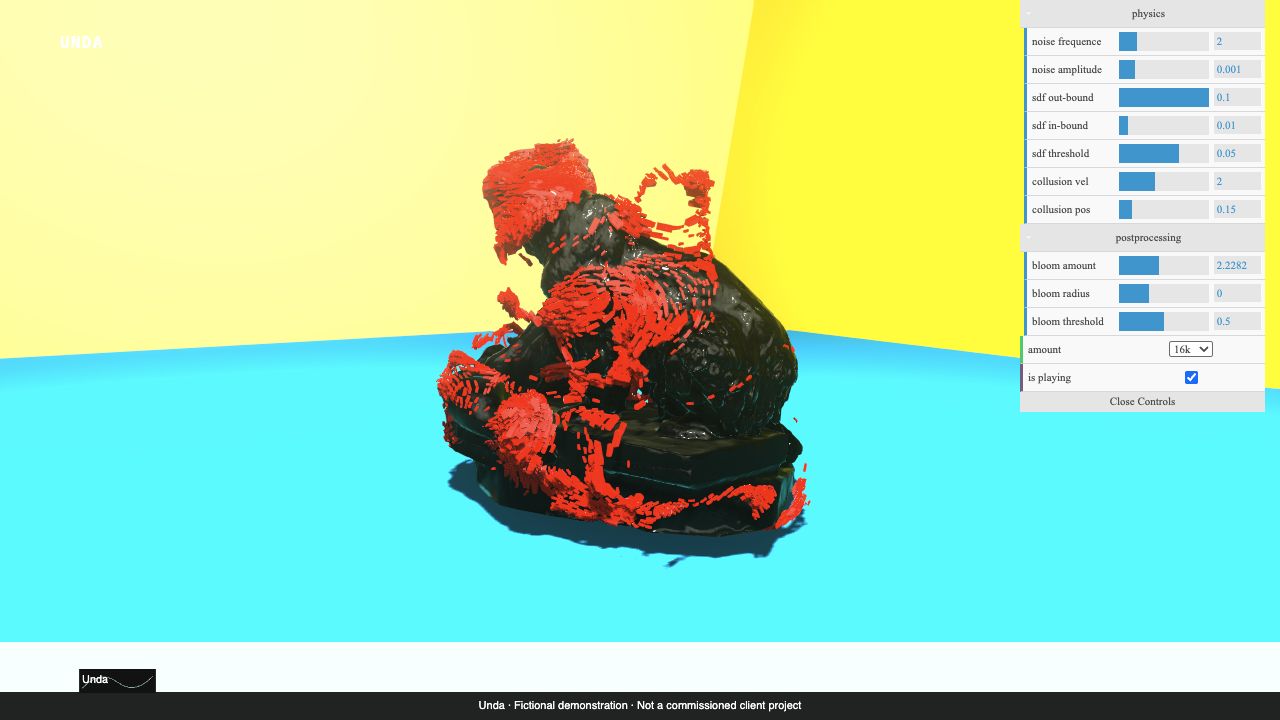
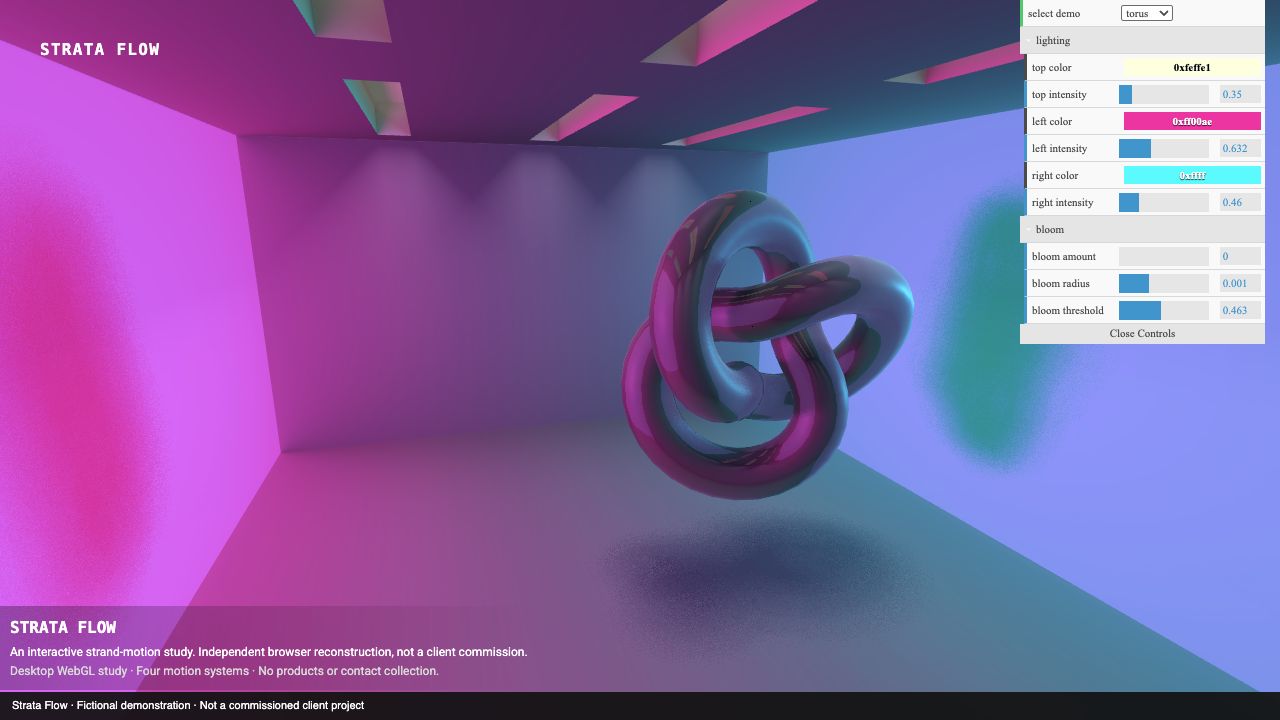
Client websites, our own working products and native apps. Two selected hospitality and brand concepts are clearly labelled.
LIVE PRODUCT
WE ARE MK STUDIO
A marketing studio with a personal point of view.
About this project
A complete identity and website for Madina Kabidenova’s marketing studio. The MK monogram, blue palette and scroll-controlled film lead into case studies and a callback form connected to Telegram and corporate email.
Our live JD Studio website brings web design, application development and automation into one studio identity, with motion-led storytelling, selected work and a direct project enquiry path.
An artist website for a Bangkok-based DJ performing across Asia. Live-session video, selected SoundCloud mixes and direct Telegram booking bring his sound and identity together.
Learn verbs in your browser. Keep practising on iPhone.
About this project
A language-learning website and native iPhone app for English and other languages. Search verbs, explore conjugation tables, listen to pronunciation and practise active recall with multilingual explanations. The web version works on phones, tablets and desktop browsers.
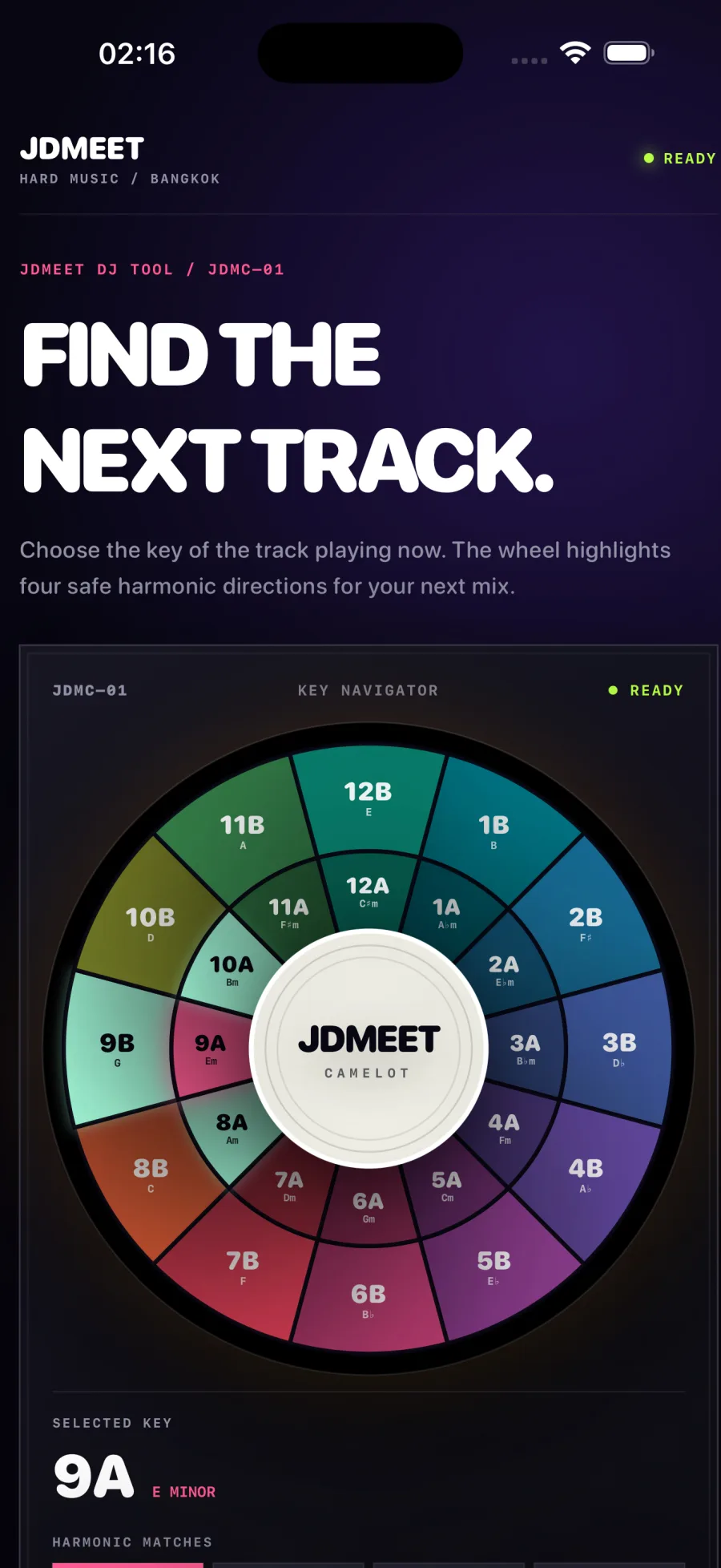
An offline harmonic-mixing companion for iPhone and iPad. Choose a key on the 24-key Camelot wheel to see compatible neighbours and relative major or minor keys. Includes haptic feedback and VoiceOver support, with no account or advertising.
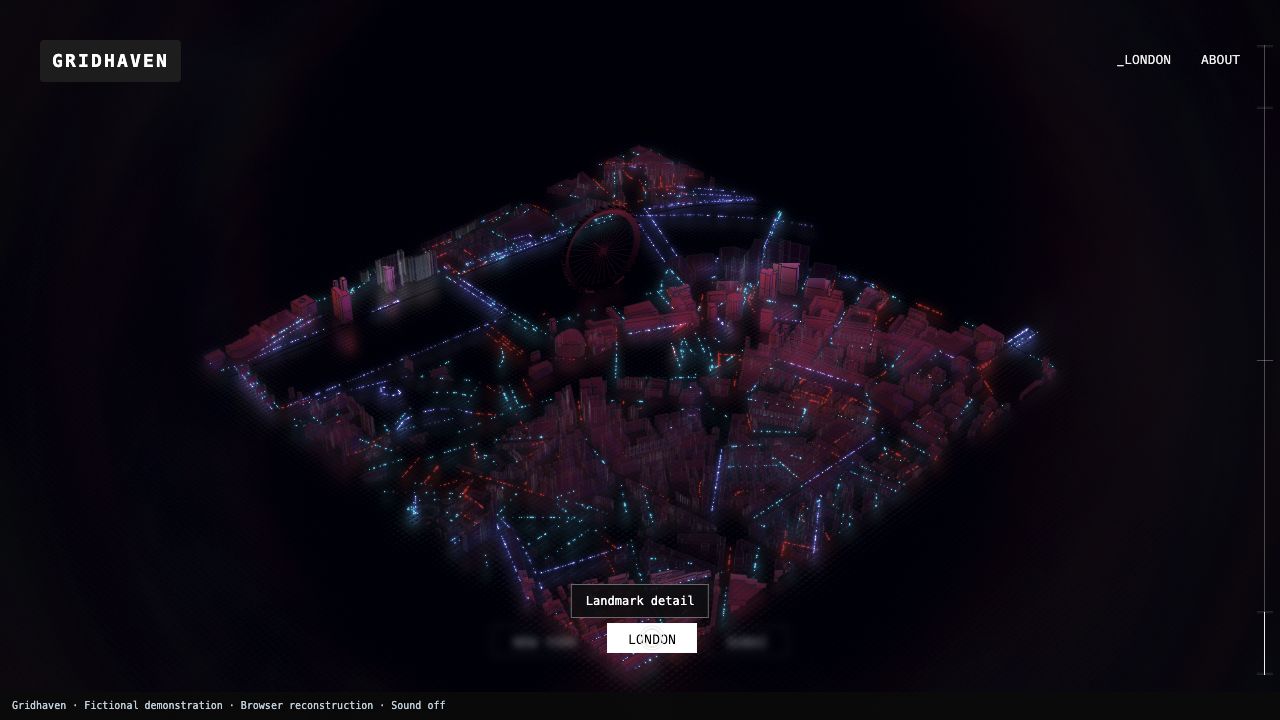
Browser reconstructions and technical demonstrations, shown separately from our client work and original products. These are not commissions from the brands in the source material. Original source notices and documented limitations are retained; a browser reconstruction is not the original editable project or backend.
Showcase · Stills-only showcase
Orbit Passage
A cinematic environment study shown through two still images. No playable film or recovered UE5 runtime.
A practical scope for website maintenance, monitoring, backups, lead delivery, reporting and accountable support—plus the items that need separate approval.
Map a Google Ads landing-page lead from accepted form to delivery, qualification and customer outcome with a practical search-to-sale measurement plan.
A copy-ready Google Ads landing page brief connecting search intent, ad promise, proof, qualification, tracking, lead routing and launch acceptance before design begins.
A practical framework for deciding whether to redesign the current website, rebuild the platform or improve the highest-leverage pages without replacing everything.
A realistic website redesign or rebuild timeline covering discovery, copy, development, content and SEO migration, integrations, quality assurance and launch.
Web application development typically costs $10,000–$100,000+, depending on workflows, roles, data, integrations and risk. Compare practical 2026 scope bands.
How North Growth Lab designed and built a responsive six-pad rhythm sampler with real audio, rapid retriggering and live waveform feedback for the JDMEET artist website.
Landing page or website for Google Ads? Use a six-check decision matrix, hotel and design-studio examples, and a practical brief to choose the right destination.
A transparent guide to landing-page scope, cost drivers and budgeting for businesses that need qualified leads from paid search—not a decorative one-page design.
A practical decision framework for choosing a website, web application, iOS or Android app—and knowing when the business needs a connected combination.
Compare iOS, Android and simultaneous mobile development by audience, product behavior, device requirements, release operations and commercial evidence.
How we rebuilt our studio website around real projects, distinct service pages and crawlable content, with a practical release record and clear measurement limits.
Website Redesign vs Rebuild: Which Does Your Business Need?
Updated August 13, 2026
A practical framework for deciding whether to redesign the current website, rebuild the platform or improve the highest-leverage pages without replacing everything.
A redesign changes the experience; a rebuild changes the foundation.
A website redesign normally changes positioning, information architecture, copy, visual design and conversion paths while retaining a useful content management system or application foundation. A rebuild replaces substantial parts of the technical implementation because the current platform, theme, dependencies or data model no longer support the business responsibly.
The distinction is not cosmetic. A company can completely transform the customer experience without changing platforms, or migrate to a new stack while reproducing nearly the same weak message. The correct scope depends on the constraint—not on how dramatic the new homepage looks.
Use six signals to choose the responsible path.
Signal
Editing
Redesign is usually enough
The team can publish and update safely
A rebuild may be justified
Simple changes require developer work or fragile plugins
Signal
Performance
Redesign is usually enough
The main problems are assets and page decisions
A rebuild may be justified
The platform creates persistent speed or rendering limits
Signal
Security
Redesign is usually enough
Dependencies are supported and maintained
A rebuild may be justified
Core software or extensions are obsolete and risky
Signal
Integrations
Redesign is usually enough
Forms, CRM and commerce can be improved
A rebuild may be justified
Critical integrations are tightly coupled or unreliable
Signal
Content
Redesign is usually enough
Useful pages can be restructured in place
A rebuild may be justified
The content model cannot represent services, locations or products
Signal
Ownership
Redesign is usually enough
Accounts, code and data are accessible
A rebuild may be justified
The company cannot control or export essential assets
Score the constraint before choosing a rebuild.
Use this scorecard during discovery with the people who publish content, maintain the website, receive leads and approve risk. Score each question 0 when the current foundation supports the required work, 1 when the answer is uncertain or occasionally limiting, and 2 when the constraint is demonstrated and recurring. Record the evidence beside the score; a vendor preference is not evidence.
Decision question
Can the team publish the required page types safely?
0 — supports the work
Reusable content model and clear permissions
1 — uncertain or limited
Workarounds or inconsistent editing
2 — demonstrated blocker
Required structure cannot be represented responsibly
Decision question
Can releases be tested and reversed?
0 — supports the work
Review, backup and rollback are dependable
1 — uncertain or limited
Process exists but is mostly manual
2 — demonstrated blocker
Routine changes threaten production stability
Decision question
Can the platform meet the measured performance need?
0 — supports the work
Specific bottlenecks can be corrected
1 — uncertain or limited
Constraint has not been isolated
2 — demonstrated blocker
Repeated platform limits survive focused fixes
Decision question
Can forms and business integrations be made reliable?
0 — supports the work
Supported and testable connections
1 — uncertain or limited
Fragile or poorly documented handoff
2 — demonstrated blocker
Critical workflow cannot be repaired or observed
Decision question
Can useful URLs and content be preserved?
0 — supports the work
Stable URLs and exportable content
1 — uncertain or limited
Migration work is unclear
2 — demonstrated blocker
Content is trapped, duplicated or structurally unusable
Does the business control its accounts, code and data?
0 — supports the work
Access and exports are verified
1 — uncertain or limited
Some ownership is ambiguous
2 — demonstrated blocker
Essential assets cannot be controlled or exported
Decision question
Can the next two years of known work fit the foundation?
0 — supports the work
Roadmap fits without structural compromise
1 — uncertain or limited
One major assumption is unproven
2 — demonstrated blocker
Known requirements repeatedly conflict with the platform
Interpret the score as a discovery gate—not an automatic verdict.
The total is a way to expose assumptions, not a universal industry benchmark. A single severe ownership or unsupported-software issue may outweigh a low total. Conversely, several one-point uncertainties should trigger investigation before a full replacement is sold. Attach an owner, source and acceptance test to every score that changes the recommendation.
Score
0–4
Working interpretation
The foundation probably supports a redesign
Responsible next step
Keep the platform unless another material constraint is demonstrated
Score
5–10
Working interpretation
The case is mixed or incomplete
Responsible next step
Prototype the riskiest requirement and compare focused repair with a phased rebuild
Score
11–16
Working interpretation
Several structural constraints are demonstrated
Responsible next step
Price a rebuild against the cost and risk of continuing to patch the current system
Do not confuse a content problem with a platform problem.
Many underperforming websites do not need new technology. They need clearer positioning, distinct service pages, stronger proof, a shorter conversion path and reliable lead delivery. Replatforming will not solve those decisions automatically.
Start by mapping the visitor journey and reviewing the pages that already attract traffic or support sales. If the platform can publish the required structure and maintain acceptable performance, a focused redesign can preserve budget for research, copy, proof and measurement—the work customers actually experience.
Protect organic visibility before approving either scope.
A technically cleaner website can still lose visibility when the migration removes useful content or breaks internal relevance. Search preservation is part of the redesign plan, not a checklist added after development.
Export the current URL inventory and identify pages with impressions, clicks, links or sales value.
Keep useful URLs stable where possible and map every changed URL to the closest relevant destination.
Preserve original information that still answers buyer questions instead of replacing it with thinner marketing copy.
Review canonicals, crawlable navigation, structured data, robots directives and the XML sitemap before launch.
Monitor index coverage, important queries, conversions and server errors after release.
Consider a phased rebuild when the risk is concentrated.
A complete replacement is not the only alternative to keeping everything. A business can rebuild the public marketing site while retaining a separate customer portal, or modernize the highest-value service cluster before migrating a large resource library.
Phasing is useful when it creates a clean acceptance boundary and measurable improvement. It becomes harmful when two systems duplicate content indefinitely or the temporary architecture has no ownership and retirement plan.
Write the decision into the project brief.
A useful proposal should explain why the recommended technical scope is necessary and which business outcome it supports. If the platform decision appears before the current system has been inspected, the recommendation is probably a vendor preference rather than a diagnosis.
What must improve for customers and the business?
Which current pages, rankings, content and integrations must be preserved?
Which platform constraints have been demonstrated rather than assumed?
Who owns content migration, redirects, analytics and post-launch verification?
What evidence will show that the redesign or rebuild worked?
Website redesign vs rebuild FAQ.
What is the difference between a website redesign and a rebuild?
A redesign changes the positioning, information architecture, copy, interface and conversion path while retaining a sound technical foundation. A rebuild replaces substantial implementation or platform components because demonstrated editing, performance, security, integration, content or ownership constraints make responsible improvement harder than replacement.
How do I know if my website needs a full rebuild?
Document the constraints before selecting the scope. A rebuild becomes credible when required content cannot be represented, releases are unsafe, core dependencies are unsupported, critical integrations cannot be repaired, essential assets are not controlled or known roadmap work repeatedly conflicts with the current foundation. A dated design alone does not prove that a rebuild is necessary.
Can a website redesign keep existing SEO rankings?
No provider can guarantee unchanged rankings, but migration risk can be managed. Inventory valuable URLs, content, links and search performance; keep useful URLs stable where possible; map changed URLs to relevant destinations; preserve crawlable internal links; and verify canonicals, redirects, structured data and the sitemap after launch.