Client websites, our own working products and native apps. Two selected hospitality and brand concepts are clearly labelled.
LIVE PRODUCT
WE ARE MK STUDIO
A marketing studio with a personal point of view.
About this project
A complete identity and website for Madina Kabidenova’s marketing studio. The MK monogram, blue palette and scroll-controlled film lead into case studies and a callback form connected to Telegram and corporate email.
Our live JD Studio website brings web design, application development and automation into one studio identity, with motion-led storytelling, selected work and a direct project enquiry path.
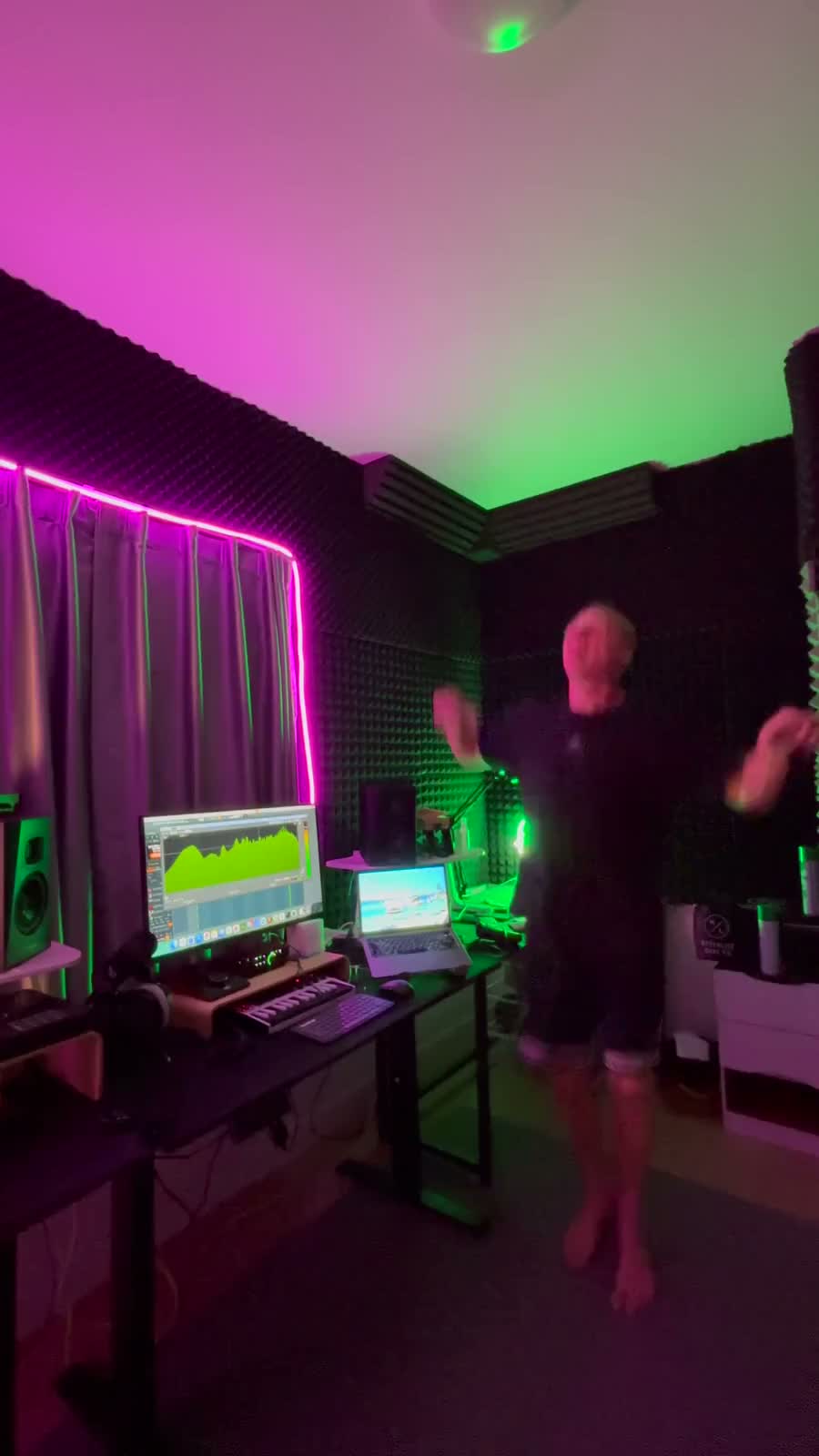
An artist website for a Bangkok-based DJ performing across Asia. Live-session video, selected SoundCloud mixes and direct Telegram booking bring his sound and identity together.
Learn verbs in your browser. Keep practising on iPhone.
About this project
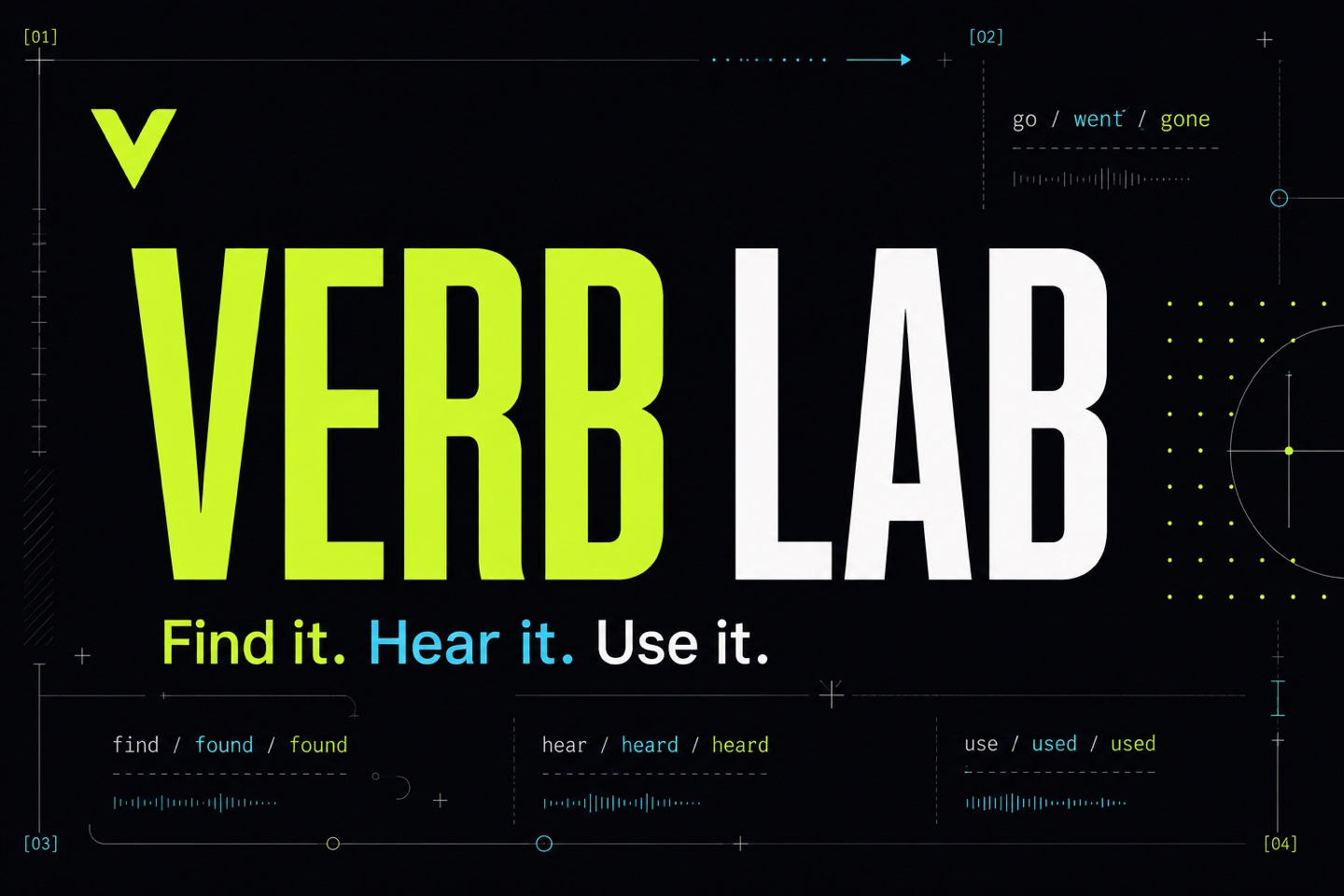
A language-learning website and native iPhone app for English and other languages. Search verbs, explore conjugation tables, listen to pronunciation and practise active recall with multilingual explanations. The web version works on phones, tablets and desktop browsers.
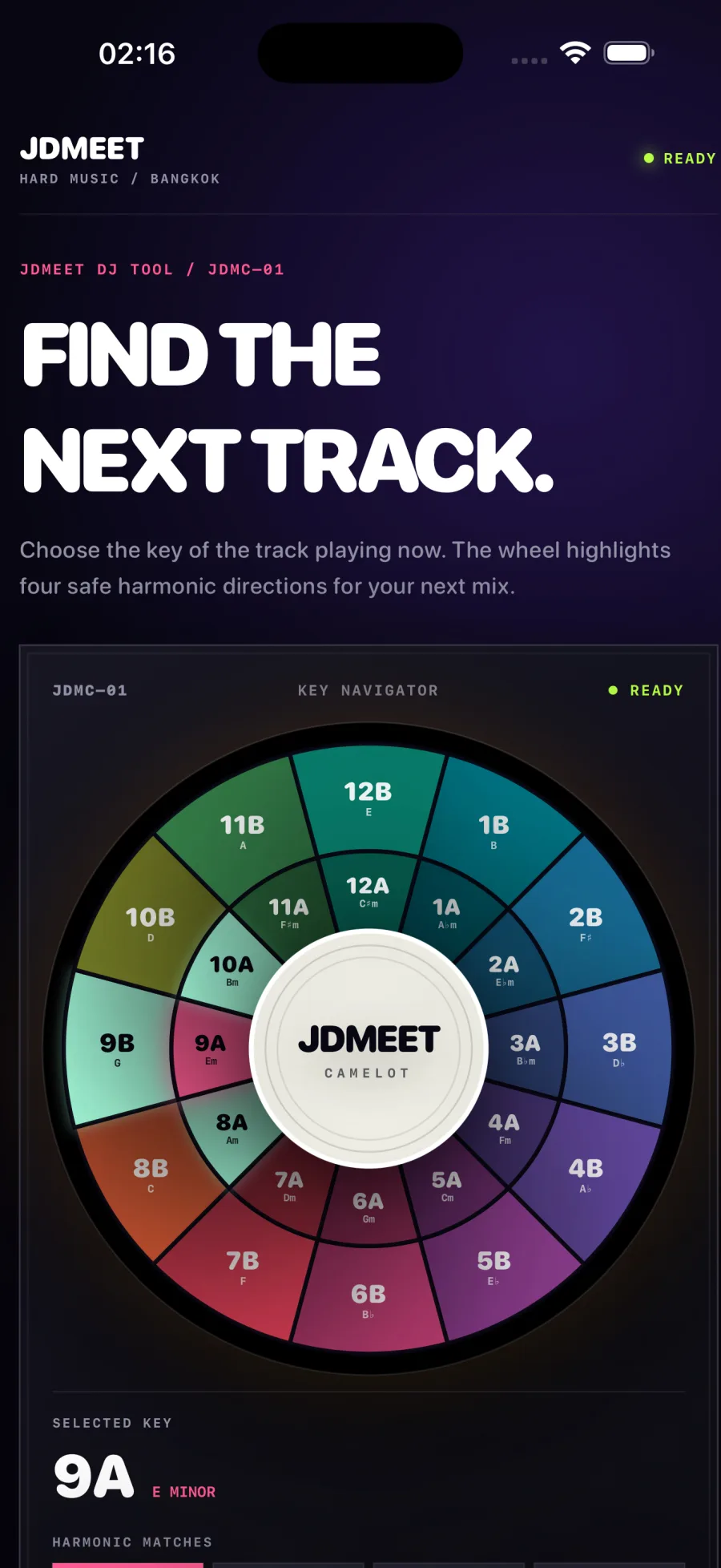
An offline harmonic-mixing companion for iPhone and iPad. Choose a key on the 24-key Camelot wheel to see compatible neighbours and relative major or minor keys. Includes haptic feedback and VoiceOver support, with no account or advertising.
A practical scope for website maintenance, monitoring, backups, lead delivery, reporting and accountable support—plus the items that need separate approval.
Map a Google Ads landing-page lead from accepted form to delivery, qualification and customer outcome with a practical search-to-sale measurement plan.
A copy-ready Google Ads landing page brief connecting search intent, ad promise, proof, qualification, tracking, lead routing and launch acceptance before design begins.
A practical framework for deciding whether to redesign the current website, rebuild the platform or improve the highest-leverage pages without replacing everything.
A realistic website redesign or rebuild timeline covering discovery, copy, development, content and SEO migration, integrations, quality assurance and launch.
Web application development typically costs $10,000–$100,000+, depending on workflows, roles, data, integrations and risk. Compare practical 2026 scope bands.
How North Growth Lab designed and built a responsive six-pad rhythm sampler with real audio, rapid retriggering and live waveform feedback for the JDMEET artist website.
Landing page or website for Google Ads? Use a six-check decision matrix, hotel and design-studio examples, and a practical brief to choose the right destination.
A transparent guide to landing-page scope, cost drivers and budgeting for businesses that need qualified leads from paid search—not a decorative one-page design.
A practical decision framework for choosing a website, web application, iOS or Android app—and knowing when the business needs a connected combination.
Compare iOS, Android and simultaneous mobile development by audience, product behavior, device requirements, release operations and commercial evidence.
How we rebuilt our studio website around real projects, distinct service pages and crawlable content, with a practical release record and clear measurement limits.
How to Audit a Website for SEO, Conversion, Trust and Performance
Updated October 21, 2026
Use this practical website audit checklist to review one public page across discovery, clarity, confidence, action, performance and accessibility.
This guide explains a practical audit method and links to North Growth Lab's free Website Growth Scan. Automated results are hypotheses to verify; they do not guarantee rankings, conversions, accessibility conformance or business outcomes.
A useful website audit starts with one page and one job.
A whole-site audit can quickly become a spreadsheet of unrelated warnings. Start with the page that carries a specific commercial job: explain a service, capture an urgent request, support a paid campaign, qualify a buyer or answer a high-intent search.
Record the exact URL, date, page purpose, primary audience and intended action. Add the current title, description, first heading, visible call to action and any available Search Console or analytics baseline. This creates a comparison point and prevents the audit from becoming a subjective redesign brief.
Choose one canonical public URL.
Name the visitor intent the page should satisfy.
Define one primary action and one successful outcome.
Save current search and lead measurements when available.
Capture mobile and desktop evidence before editing.
Step 1: verify discovery before rewriting the page.
A page cannot convert qualified organic demand if search engines cannot reliably access, select and understand it. Confirm that the response is successful, the page is not blocked from indexing, the canonical points to the intended URL and the title, description and primary heading describe the same useful subject.
Then inspect the crawl path. An important page should be linked from relevant navigation, service or guide pages with descriptive anchor text. A sitemap can support discovery, but it does not replace crawlable internal links or useful content.
Discovery check
HTTP and indexability
Evidence to record
Successful response, robots directives and canonical
Common failure
Redirect loop, noindex or conflicting canonical
Discovery check
Search meaning
Evidence to record
Unique title, description and descriptive H1
Common failure
Generic language that could describe any company
Discovery check
Internal discovery
Evidence to record
Relevant crawlable links into the page
Common failure
Important URL exists only in a sitemap or script
Discovery check
Search status
Evidence to record
Search Console inspection and query evidence when available
Common failure
Assuming publication means indexation or demand
Step 2: test clarity in the first useful screen.
A visitor should be able to identify the offer, audience, context and next step without reconstructing the business from navigation labels. Compare the promise in the search result, advertisement or referring link with the first screen. If the source promises a specific service but the page opens with a broad company slogan, the visitor must restart the decision.
Read the page without brand familiarity. Remove decorative claims that do not help a buyer choose. Prefer concrete scope, service area, operating model, response expectation and next step. Clarity is not shorter copy at any cost; it is less uncertainty at each decision.
The H1 completes the promise that brought the visitor.
The intended buyer can recognize that the offer applies to them.
The primary action is visible and described in plain language.
Important constraints appear before submission or payment.
Mobile hierarchy preserves the same meaning as desktop.
Step 3: move trust evidence beside the decision.
Trust is not a row of badges near the footer. The buyer needs evidence at the moment a claim becomes important. Show who is accountable, how the work happens, what is included, what is not claimed and how someone can contact the business.
Use verifiable proof only. A disclosed concept demonstrates design capability but not a customer result. A process description shows how work is approached but not that a specific outcome is guaranteed. Honest boundaries are stronger than invented testimonials, anonymous logos or unsupported statistics.
Trust question
Who is responsible?
Useful evidence
Named company, people and contact routes
Weak substitute
Anonymous brand language
Trust question
What will happen?
Useful evidence
Specific process, scope and response expectation
Weak substitute
Generic promise to deliver quality
Trust question
What has been built?
Useful evidence
Verifiable work with accurate disclosure
Weak substitute
Unlabelled concepts presented as clients
Trust question
What risk remains?
Useful evidence
Clear limitations, ownership and next steps
Weak substitute
Guarantees without conditions
Step 4: complete the action path on a real phone.
Do not stop when the call-to-action button is visible. Complete the form, booking or contact path on a real mobile viewport. Check labels, required fields, error states, confirmation language and actual delivery to the inbox, CRM or responsible person.
Collect only the information needed for the next step. If the team replies by email, a phone number may be unnecessary friction. Preserve attribution through the successful delivery event so traffic sources can be compared with qualified inquiries rather than raw form starts.
Use a clear action label instead of a generic submit button.
Remove fields that are not required for the promised response.
Show a useful success state and realistic response expectation.
Verify downstream delivery rather than assuming the browser request is enough.
Track the completed action without exposing personal form data.
Step 5: separate lab diagnostics from real-user performance.
PageSpeed Insights can provide both Lighthouse lab diagnostics and Chrome UX Report field data. Lighthouse runs in a controlled simulated environment and is useful for reproducing implementation problems. CrUX summarizes eligible real-user experience over a trailing period, but a newer or lower-traffic URL may not have enough data.
Record which source produced each measurement. Do not interpret a missing CrUX result as a passing result, and do not treat one changing Lighthouse score as proof of a customer outcome. Use lab findings to debug, field data to understand actual experience when available and business measurements to decide whether the page works.
Review mobile rendering and the first useful content.
Investigate oversized media, render-blocking work and unstable layout.
Check whether CrUX is URL-level, origin-level or unavailable.
Compare repeated tests under equivalent conditions.
Keep performance changes tied to the page's commercial job.
Step 6: inspect accessibility structure before visual polish.
Automated tools can find missing structural essentials, but they cannot prove conformance or usability. Confirm the document language, landmarks, heading order, form labels, alternative text, keyboard path, focus visibility, contrast and error communication.
Test the primary task without a mouse and at a narrow viewport. Accessibility defects often reveal broader product defects: unclear labels, hidden state, weak hierarchy and actions that depend on appearance alone.
Turn the audit into one controlled improvement.
Rank findings by the earliest customer-journey stage they block, the severity of the evidence and the cost of verifying the hypothesis. Fix one coherent system rather than collecting easy checklist points. A canonical conflict normally comes before a new article; an unusable lead form comes before button-color experimentation.
Choose the smallest scope that addresses a verified cause. A low automated score is not a reason to replace the website. Before commissioning work, record the affected URL or workflow, the evidence, what must be preserved, the proposed change and a test that would show the problem is resolved.
After release, rescan the same URL and repeat the real customer path. Compare equivalent Search Console periods only after crawling has had time to occur, and connect successful inquiries to downstream qualification when possible. A higher audit score matters only if the page becomes easier to find, understand, trust or use.
Targeted repair: choose this when the failure is isolated and the rest of the journey works. Repair the affected form, canonical, content block or media asset, then retest that path before expanding the scope.
Redesign: consider this when repeated findings show that the positioning, navigation, proof or mobile journey no longer supports the buyer, while the existing platform can support the required changes. Preserve useful search entry points and working integrations.
Rebuild: consider this only when the platform, content model or integration constraints prevent the required workflow. Document the constraint and migration risks before replacing working technology.
Priority
Verify first
Question
Does this issue block discovery or the primary action?
Exit evidence
Reproduced failure and named owner
Priority
Fix next
Question
Is there one coherent change that addresses the cause?
Exit evidence
Released change and complete path test
Priority
Measure after
Question
Which search, experience or lead signal should change?
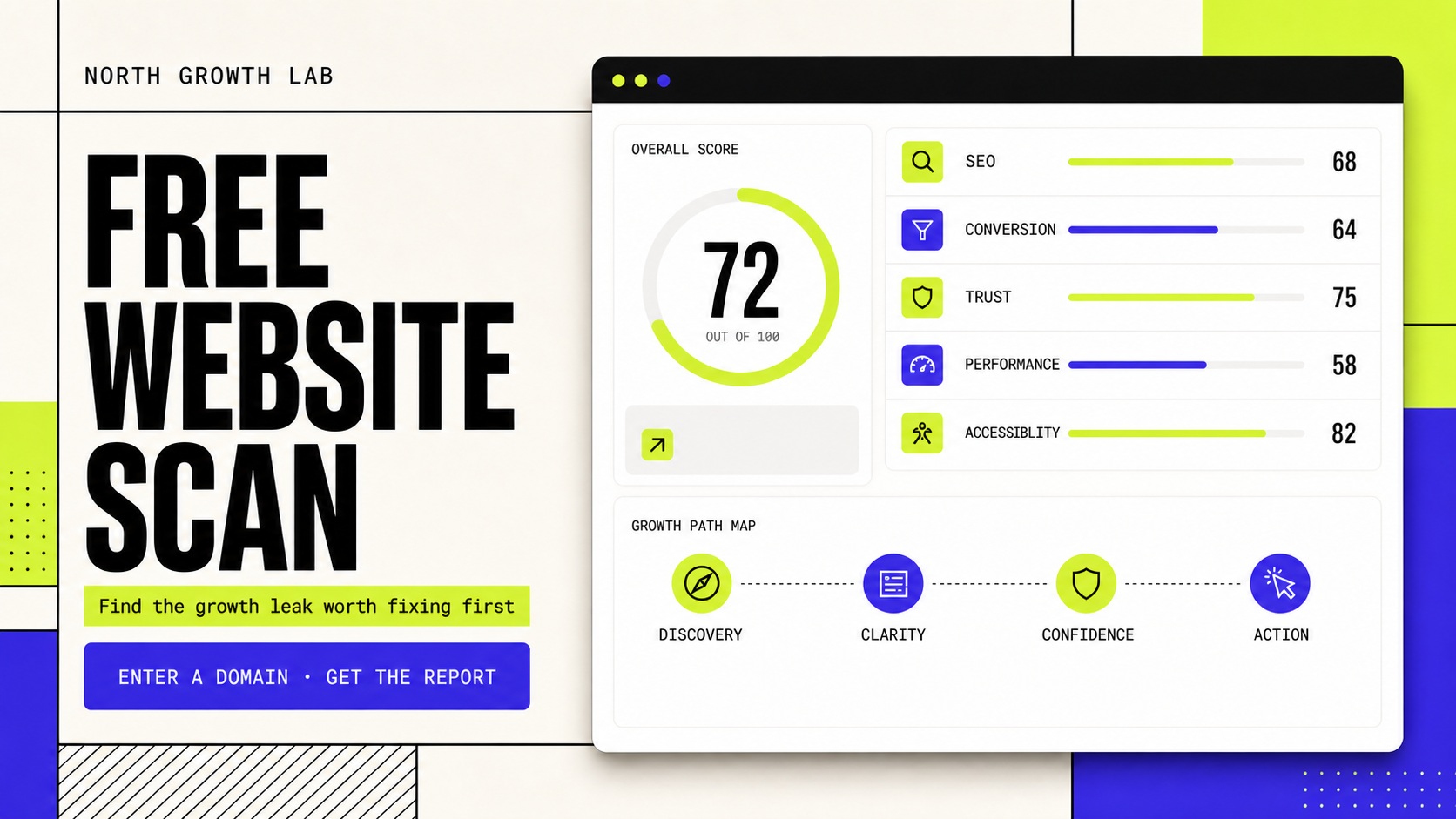
Start with one public page, record its purpose and baseline, then review indexability, search meaning, message clarity, trust evidence, the complete action path, performance and accessibility. North Growth Lab's free Website Growth Scan can organize a first-pass diagnosis without requiring an account.
What should a website audit include?
A practical audit should cover discovery and indexability, page meaning, customer clarity, trust evidence, conversion paths, delivery and analytics, mobile performance and accessibility. It should also rank findings and define how each proposed change will be verified.
Is Lighthouse a complete website audit?
No. Lighthouse provides valuable lab diagnostics for performance, accessibility, best practices and SEO, but it does not understand private analytics, lead quality, sales follow-up, product-market fit or the truth of commercial claims.
Should I fix every audit warning?
No. Verify each finding on the real page, prioritize issues that block discovery or action and make one coherent improvement at a time. Cosmetic checklist points should not displace a broken form, unclear offer or indexing conflict.