Client websites, our own working products and native apps. Two selected hospitality and brand concepts are clearly labelled.
LIVE PRODUCT
WE ARE MK STUDIO
A marketing studio with a personal point of view.
About this project
A complete identity and website for Madina Kabidenova’s marketing studio. The MK monogram, blue palette and scroll-controlled film lead into case studies and a callback form connected to Telegram and corporate email.
Our live JD Studio website brings web design, application development and automation into one studio identity, with motion-led storytelling, selected work and a direct project enquiry path.
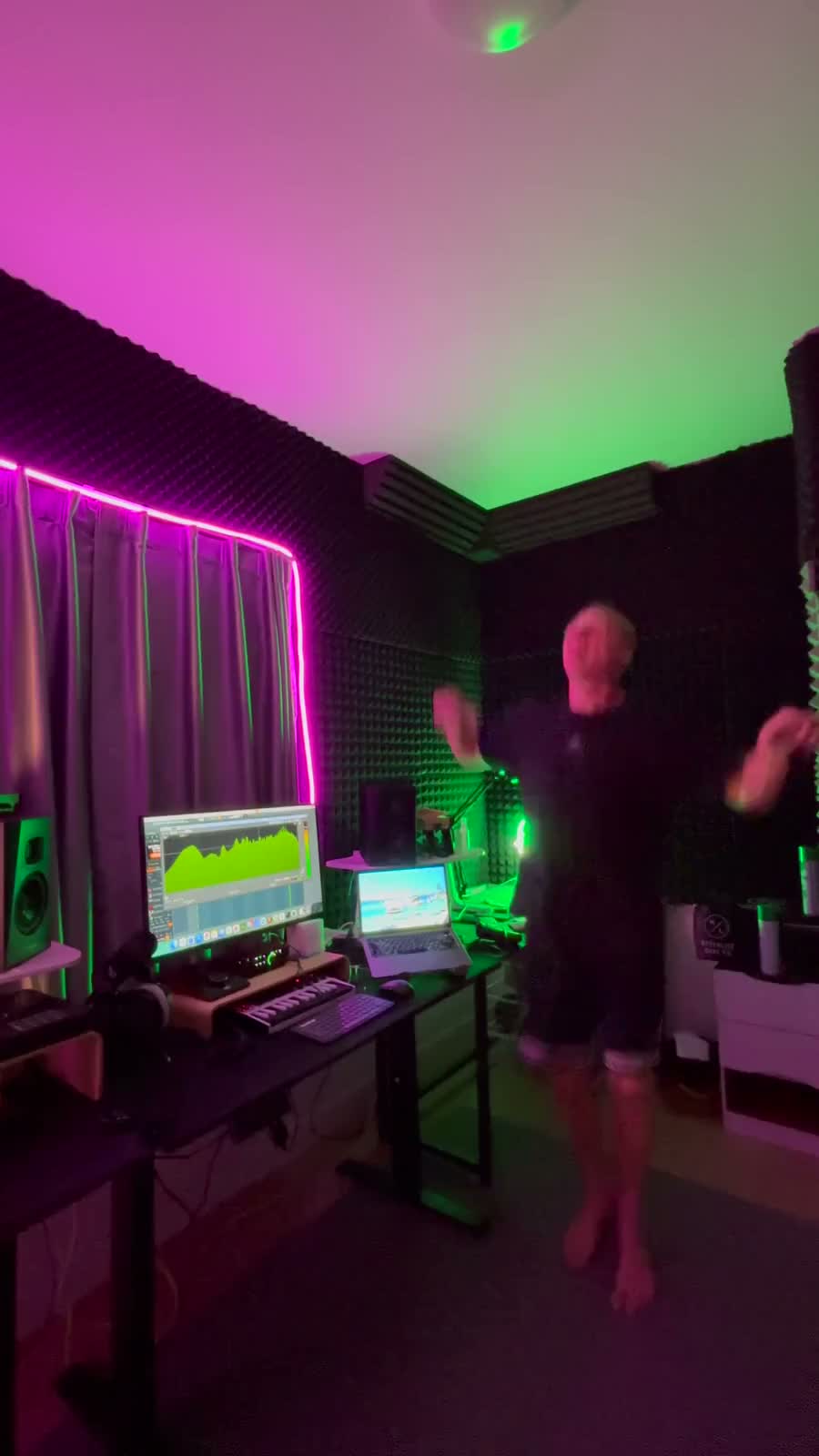
An artist website for a Bangkok-based DJ performing across Asia. Live-session video, selected SoundCloud mixes and direct Telegram booking bring his sound and identity together.
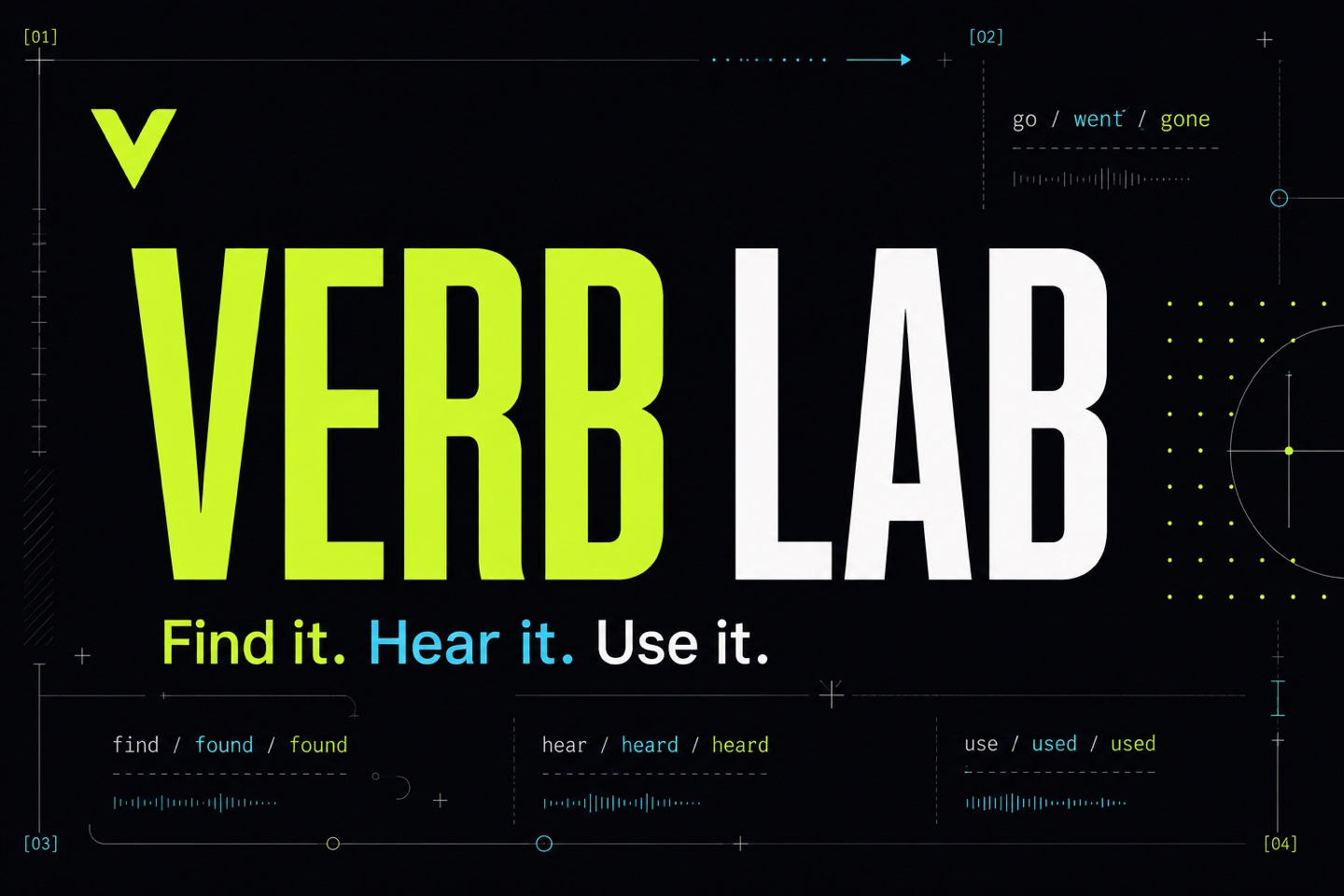
Learn verbs in your browser. Keep practising on iPhone.
About this project
A language-learning website and native iPhone app for English and other languages. Search verbs, explore conjugation tables, listen to pronunciation and practise active recall with multilingual explanations. The web version works on phones, tablets and desktop browsers.
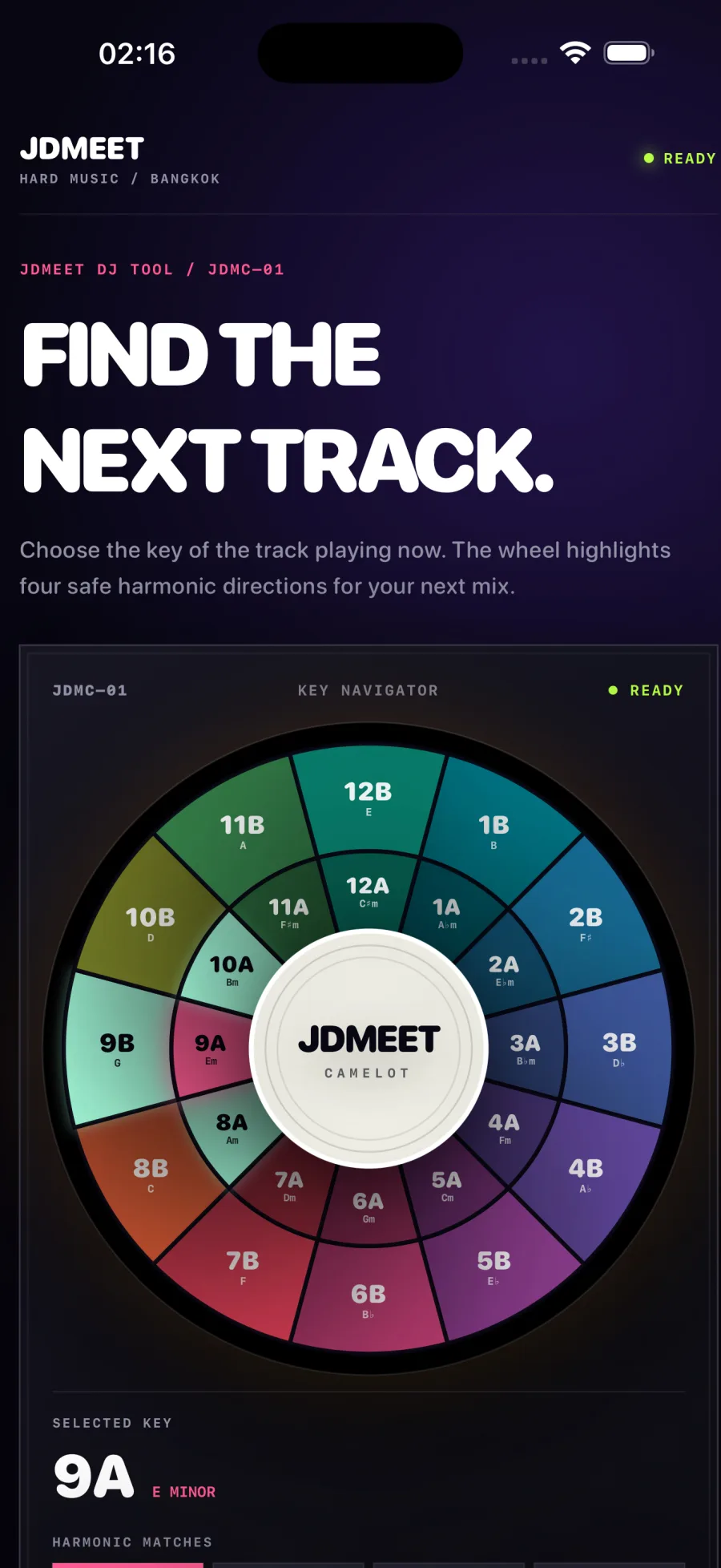
An offline harmonic-mixing companion for iPhone and iPad. Choose a key on the 24-key Camelot wheel to see compatible neighbours and relative major or minor keys. Includes haptic feedback and VoiceOver support, with no account or advertising.
A practical scope for website maintenance, monitoring, backups, lead delivery, reporting and accountable support—plus the items that need separate approval.
Map a Google Ads landing-page lead from accepted form to delivery, qualification and customer outcome with a practical search-to-sale measurement plan.
A copy-ready Google Ads landing page brief connecting search intent, ad promise, proof, qualification, tracking, lead routing and launch acceptance before design begins.
A practical framework for deciding whether to redesign the current website, rebuild the platform or improve the highest-leverage pages without replacing everything.
A realistic website redesign or rebuild timeline covering discovery, copy, development, content and SEO migration, integrations, quality assurance and launch.
Web application development typically costs $10,000–$100,000+, depending on workflows, roles, data, integrations and risk. Compare practical 2026 scope bands.
How North Growth Lab designed and built a responsive six-pad rhythm sampler with real audio, rapid retriggering and live waveform feedback for the JDMEET artist website.
Landing page or website for Google Ads? Use a six-check decision matrix, hotel and design-studio examples, and a practical brief to choose the right destination.
A transparent guide to landing-page scope, cost drivers and budgeting for businesses that need qualified leads from paid search—not a decorative one-page design.
A practical decision framework for choosing a website, web application, iOS or Android app—and knowing when the business needs a connected combination.
Compare iOS, Android and simultaneous mobile development by audience, product behavior, device requirements, release operations and commercial evidence.
How we rebuilt our studio website around real projects, distinct service pages and crawlable content, with a practical release record and clear measurement limits.
NGL Website Scan Is Now Available on the App Store
Updated September 5, 2026
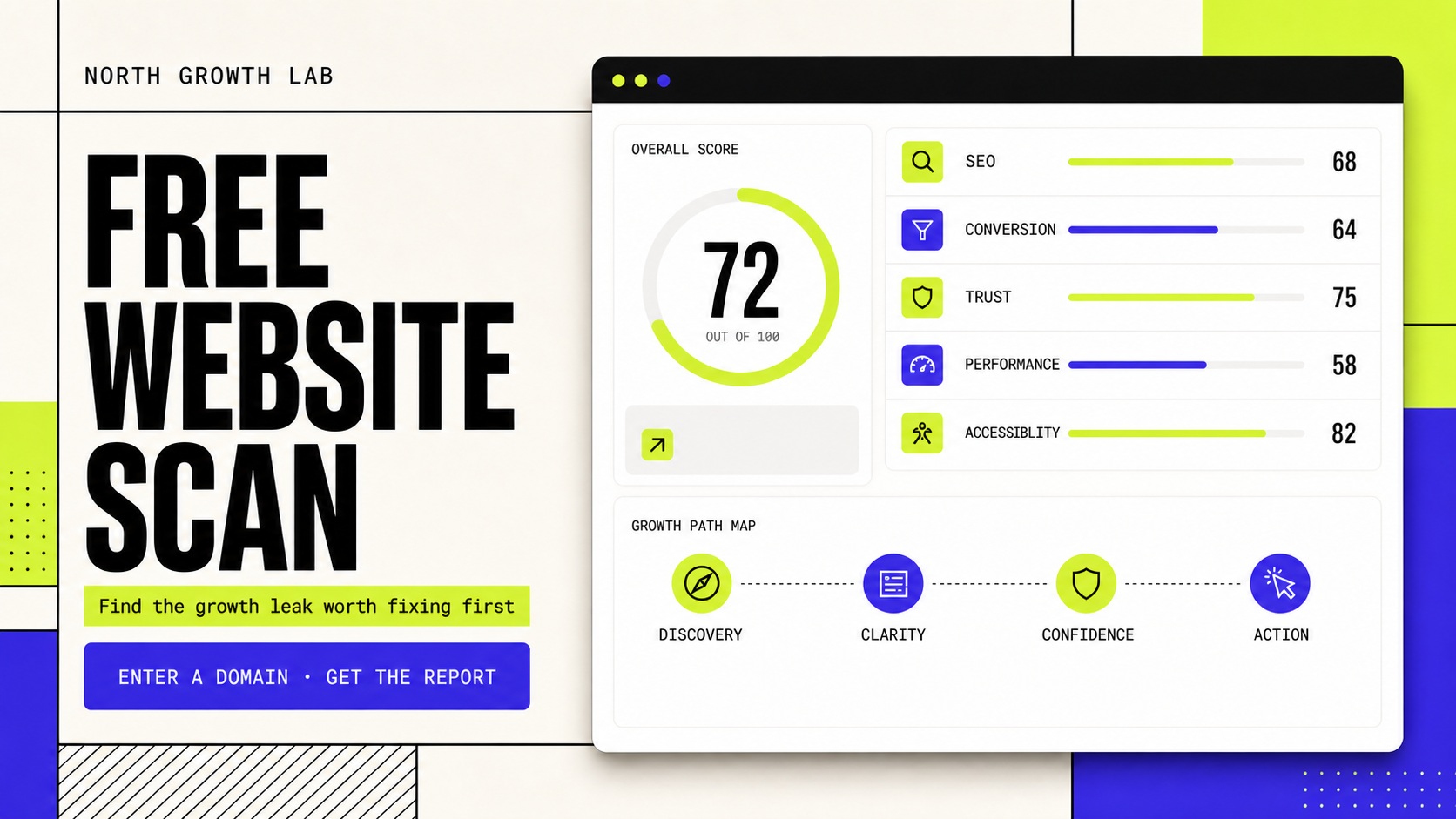
How NGL Website Scan turns one public URL into an iPhone audit across SEO, conversion, trust, performance and accessibility.
NGL Website Scan is an original North Growth Lab product. Version 1.0 is available free on the App Store. Its automated report is a directional baseline, not a substitute for analytics access, a complete technical crawl or a specialist accessibility audit.
We released the website diagnostic we use as a first conversation.
NGL Website Scan is now available on the App Store. We built it for owners, marketers and designers who know a website is underperforming but do not yet know where to start: search visibility, message clarity, trust, speed, accessibility or the path to enquiry.
The app is deliberately a first pass. Enter a public website address and an email, run the scan and receive a consistent baseline before commissioning a deeper audit or redesign. No website login, analytics access or account inside the app is required.
Version 1.0 is free and runs on iPhone with iOS 18 or later. The same scanner is also available on the North Growth Lab website for people who prefer a browser.
One scan keeps five website questions in the same report.
The overall score makes the report easy to scan, but the category breakdown is the useful part. Two websites can receive a similar total for completely different reasons. One may load quickly but fail to explain the offer; another may communicate clearly while carrying technical and accessibility debt.
Category
SEO
What the scan looks for
Indexable page structure, titles, descriptions and visible search signals
What the score can reveal
Whether the page gives search engines a clear subject and crawlable foundation
Category
Conversion
What the scan looks for
Headline clarity, calls to action and decision friction
What the score can reveal
Whether a visitor can understand the offer and identify a useful next step
Category
Trust
What the scan looks for
Visible proof, identity and confidence signals
What the score can reveal
Whether the page answers the credibility questions that slow enquiries
Category
Performance
What the scan looks for
Available loading and delivery indicators
What the score can reveal
Where technical friction may weaken the mobile experience
Category
Accessibility
What the scan looks for
Observable semantic and interface signals
What the score can reveal
Which visible barriers deserve manual testing and remediation
The workflow is designed to produce an answer, not another dead end.
We require the email before the scan because delivery is part of the product, not a hidden gate after the result. The app explains that the report will be emailed, then still shows the result immediately on screen.
Enter a public website address and a valid report-delivery email.
Run the scan without connecting analytics, a CMS or a customer account.
Review the overall score, category scores, prioritized findings and technical snapshot in the app.
Receive the complete report by email and keep the completed scan in local iPhone history.
Resend the report from the result screen when another copy is needed.
Protected websites needed a different kind of baseline.
Some public websites restrict automated page access, challenge unfamiliar clients or take longer to respond than a normal browser session. A scanner that treats every restricted response as a complete failure is not useful: the user receives no direction even when other public evidence is available.
NGL Website Scan therefore uses an infrastructure fallback when full HTML analysis is unavailable. It combines available DNS, HTTPS, HTTP response and field-data signals to return a clearly bounded baseline rather than presenting those signals as a full page audit.
The fallback cannot responsibly claim that it inspected content it could not retrieve. It can still report what was observable and recommend the deeper checks that require browser, analytics or server access.
Email delivery and follow-up are intentionally separated.
The visitor receives the requested report automatically. North Growth Lab also receives an operational delivery notice containing the submitted email, website, score and report source so the delivery can be supported and product use can be understood.
That operational notice is not treated as permission for marketing. Follow-up consent has its own optional control and is off by default. Delivering a requested report and subscribing someone to future marketing are different actions.
The app does not ask for a website password or analytics credentials. Completed scan history is stored locally on the device, which keeps repeat comparisons available without requiring an NGL account.
The iPhone app and web scanner use the same production flow.
The native SwiftUI app calls the production North Growth Lab scan service and presents the same five-category report as the web product. Sharing one flow keeps the scoring model, report delivery and protected-site handling aligned across both surfaces.
Native iOS still changes the experience in useful ways. Recent reports live in a focused mobile history, results can be reopened without returning to a browser tab and the interface is designed around a short one-handed scan flow rather than a desktop dashboard.
What the scan can answer—and what still needs a human.
A score is useful when it creates a better next question. It is harmful when it pretends to replace evidence that only the business, its users or its systems can provide. We built NGL Website Scan to make the first diagnostic faster while keeping those boundaries visible.
Useful automated baseline
Visible metadata, page structure and calls to action
Requires deeper access or judgement
Complete technical crawling across every important URL
Useful automated baseline
Observable trust and accessibility signals
Requires deeper access or judgement
Legal, regulatory or standards conformance decisions
Useful automated baseline
Public response and available performance evidence
Requires deeper access or judgement
Analytics, attribution, CRM and qualified-lead outcomes
Useful automated baseline
Prioritized next checks
Requires deeper access or judgement
Business positioning, customer research and implementation tradeoffs
The next product evidence comes from real scans.
App Store approval confirms that version 1.0 is available; it does not prove that every recommendation will matter equally to every business. We will use support requests, scan completion, report delivery and user feedback to improve the order and clarity of findings.
If you test the app, the most useful feedback is concrete: which website you scanned, whether the report arrived, which finding changed a decision and which recommendation needed more explanation.