Client websites, our own working products and native apps. Two selected hospitality and brand concepts are clearly labelled.
LIVE PRODUCT
WE ARE MK STUDIO
A marketing studio with a personal point of view.
About this project
A complete identity and website for Madina Kabidenova’s marketing studio. The MK monogram, blue palette and scroll-controlled film lead into case studies and a callback form connected to Telegram and corporate email.
Our live JD Studio website brings web design, application development and automation into one studio identity, with motion-led storytelling, selected work and a direct project enquiry path.
An artist website for a Bangkok-based DJ performing across Asia. Live-session video, selected SoundCloud mixes and direct Telegram booking bring his sound and identity together.
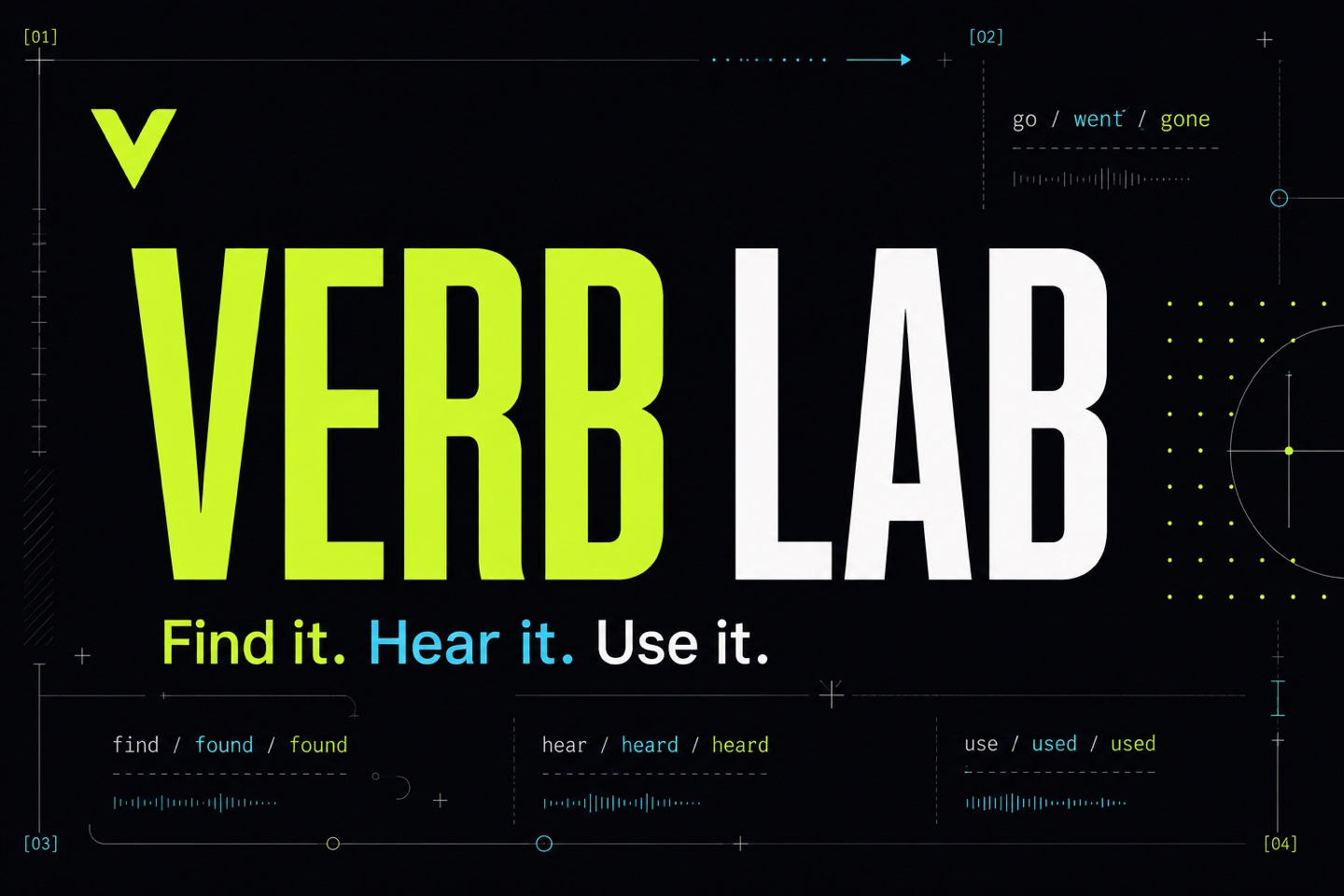
Learn verbs in your browser. Keep practising on iPhone.
About this project
A language-learning website and native iPhone app for English and other languages. Search verbs, explore conjugation tables, listen to pronunciation and practise active recall with multilingual explanations. The web version works on phones, tablets and desktop browsers.
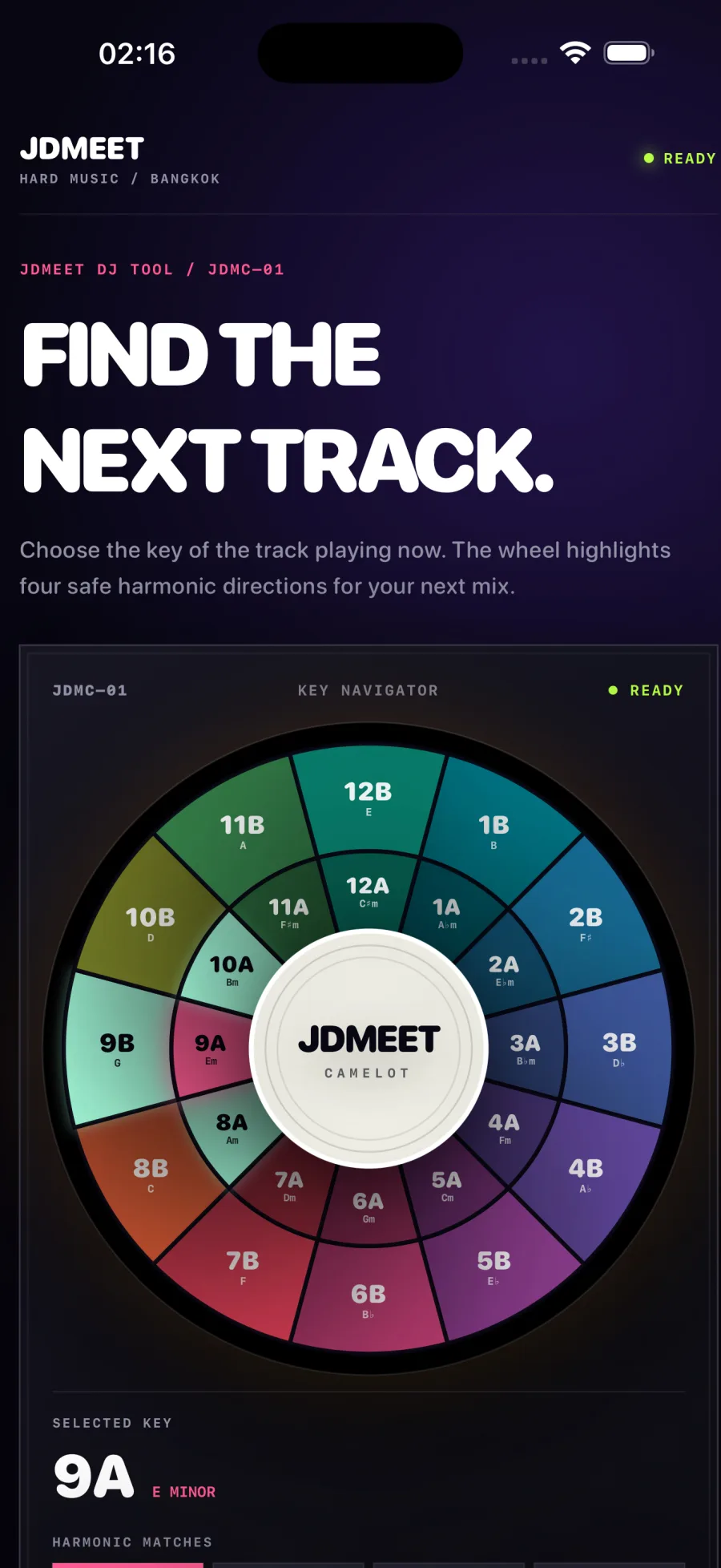
An offline harmonic-mixing companion for iPhone and iPad. Choose a key on the 24-key Camelot wheel to see compatible neighbours and relative major or minor keys. Includes haptic feedback and VoiceOver support, with no account or advertising.
A practical scope for website maintenance, monitoring, backups, lead delivery, reporting and accountable support—plus the items that need separate approval.
Map a Google Ads landing-page lead from accepted form to delivery, qualification and customer outcome with a practical search-to-sale measurement plan.
A copy-ready Google Ads landing page brief connecting search intent, ad promise, proof, qualification, tracking, lead routing and launch acceptance before design begins.
A practical framework for deciding whether to redesign the current website, rebuild the platform or improve the highest-leverage pages without replacing everything.
A realistic website redesign or rebuild timeline covering discovery, copy, development, content and SEO migration, integrations, quality assurance and launch.
Web application development typically costs $10,000–$100,000+, depending on workflows, roles, data, integrations and risk. Compare practical 2026 scope bands.
How North Growth Lab designed and built a responsive six-pad rhythm sampler with real audio, rapid retriggering and live waveform feedback for the JDMEET artist website.
Landing page or website for Google Ads? Use a six-check decision matrix, hotel and design-studio examples, and a practical brief to choose the right destination.
A transparent guide to landing-page scope, cost drivers and budgeting for businesses that need qualified leads from paid search—not a decorative one-page design.
A practical decision framework for choosing a website, web application, iOS or Android app—and knowing when the business needs a connected combination.
Compare iOS, Android and simultaneous mobile development by audience, product behavior, device requirements, release operations and commercial evidence.
How we rebuilt our studio website around real projects, distinct service pages and crawlable content, with a practical release record and clear measurement limits.
What Is a Good Website Score? How to Read an Audit Without Chasing 100
Updated August 27, 2026
Learn how to interpret a website audit score, separate lab data from business evidence and choose the first finding worth verifying.
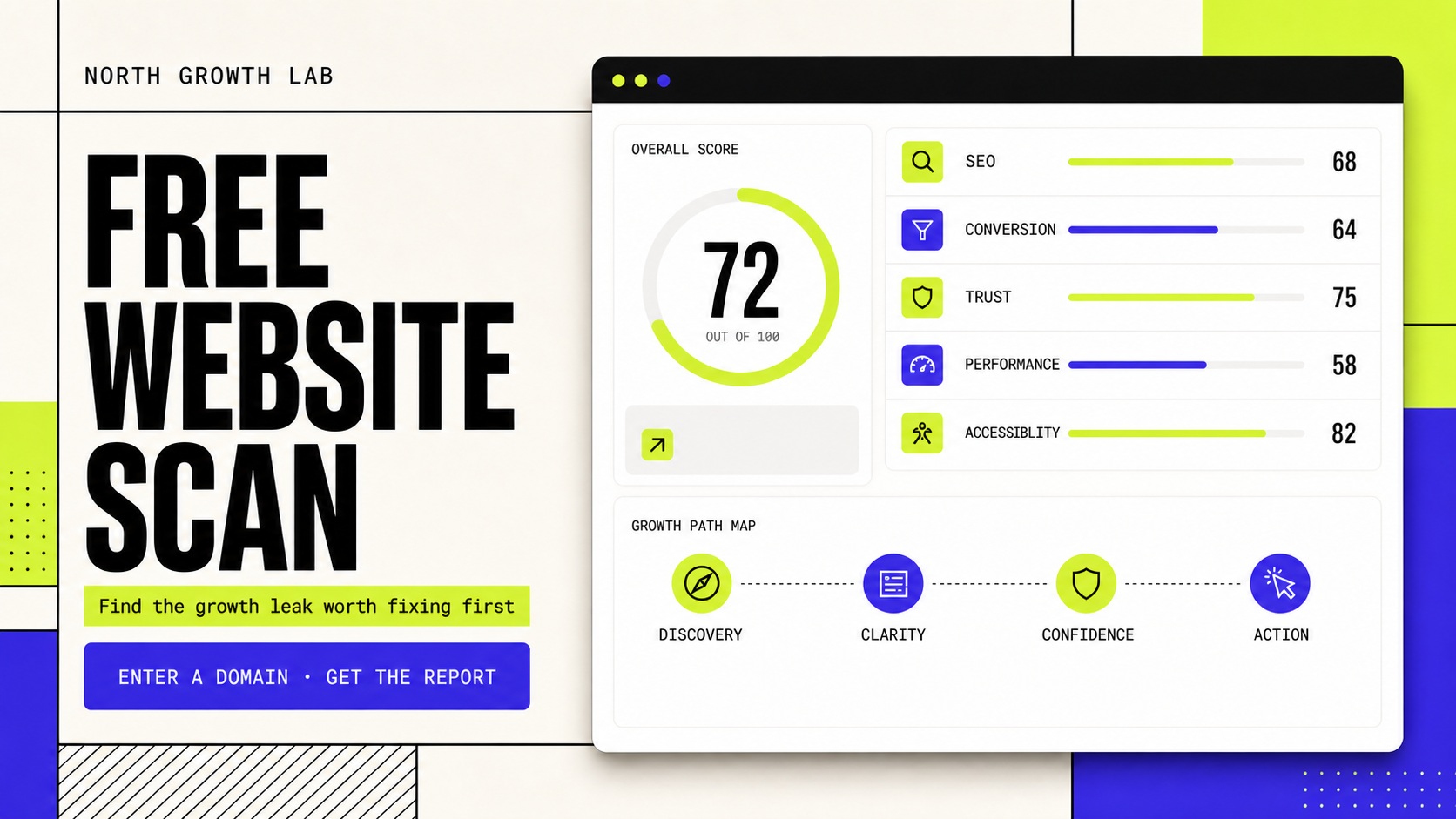
This guide explains how to interpret automated website scores and links to North Growth Lab's free Website Growth Scan. A score is a diagnostic summary—not proof of rankings, accessibility conformance, conversions or revenue.
A website score is a summary, not a verdict.
Website audit tools compress many observations into a number because a number is easy to scan and compare. The tradeoff is lost context. Two pages can receive the same score for entirely different reasons, and a technically strong page can still have an unclear offer or a broken lead handoff.
Before deciding whether a score is good, ask what created it. A useful report identifies the checks, evidence source, affected page and priority logic. If the calculation is hidden or the tool cannot explain why points were removed, treat the number as a prompt for investigation rather than a target.
Do not compare scores that measure different things.
A Lighthouse performance score and a commercial audit score are not competing versions of the same measurement. They answer different questions. Keep the labels and raw evidence visible instead of averaging unrelated signals into one unexplained number.
Evidence type
Public-page audit
Question it can answer
Are visible SEO, clarity, trust and action signals present?
What it cannot prove
Lead quality, private analytics or sales follow-up
Evidence type
Lighthouse lab test
Question it can answer
How did one controlled rendered test perform?
What it cannot prove
Every visitor's experience or future rankings
Evidence type
CrUX field data
Question it can answer
How did eligible Chrome users experience the URL or origin?
What it cannot prove
Why a metric is slow or how all users behave
Evidence type
Business analytics
Question it can answer
Did visitors complete defined actions?
What it cannot prove
Whether the page is accessible, indexable or persuasive by itself
What counts as a good score depends on the page's job.
For a service page, the most important failure may be an unclear promise or an inquiry form that never reaches the responsible person. For an editorial guide, discovery, readability and a relevant next path may matter more. For a paid landing page, message match and accepted-lead tracking can outrank a minor checklist warning.
Use score bands as triage only. A lower result means the report found more signals worth reviewing; a higher result means fewer checks failed under that tool's rules. Neither band guarantees commercial performance, and neither should replace inspection of the underlying findings.
Confirm the exact public URL and the page's intended visitor job.
Read the category breakdown before the total score.
Identify whether the finding is observed, inferred or unavailable.
Prioritize blockers to discovery or the primary action before cosmetic warnings.
Record the date and evidence source so the next scan is comparable.
Read the score in customer-journey order.
The earliest meaningful failure usually deserves review first. More traffic cannot solve an inaccessible page, stronger proof cannot repair a failed form, and a faster animation cannot clarify an offer that nobody understands. This order keeps the audit connected to a real visitor rather than a collection of disconnected points.
Stage
Discovery
Interpretation question
Can the page be accessed and understood by the right search or referral source?
Example evidence
Response, canonical, title, H1 and crawlable links
Stage
Clarity
Interpretation question
Can the visitor identify the offer, audience and next step?
Example evidence
First-screen promise, hierarchy and message match
Stage
Confidence
Interpretation question
Is there enough specific evidence to trust the claim?
Example evidence
Accountability, process, limitations and verifiable proof
Stage
Action
Interpretation question
Can an interested visitor complete the intended task?
Example evidence
Labelled controls, form behavior, confirmation and delivery
Use Lighthouse and Core Web Vitals without score anxiety.
When performance evidence is available, inspect the underlying metrics and diagnostics—not only the circular score. Lighthouse is a repeatable lab test that helps expose implementation work. Chrome UX Report provides field observations for eligible URLs or origins when enough data exists. A smaller or newer website may have no CrUX record, which means field data is unavailable rather than automatically good or bad.
Run comparisons under equivalent conditions and look for persistent causes such as slow server response, oversized media, render-blocking work or unstable layout. Then confirm that the change improves the actual page experience instead of optimizing a synthetic number in isolation.
Turn one scan into a controlled improvement loop.
North Growth Lab's Website Growth Scan shows its category findings immediately, adds mobile Lighthouse and eligible CrUX evidence, and maps the weakest visible stage to Discovery, Clarity, Confidence or Action. Enter one public domain and email, review the complete report on screen, receive it automatically, or open it in the companion app.
The useful outcome is not a perfect badge. It is a page that becomes easier to find, understand, trust and use—and a measurement trail that shows what changed.
Step
1. Baseline
Action
Scan one canonical page and complete its primary task
Evidence to keep
Dated report, device context and delivery result
Step
2. Verify
Action
Reproduce the highest-priority finding manually
Evidence to keep
Observed failure, affected visitors and owner
Step
3. Change
Action
Fix one coherent cause rather than unrelated easy points
Evidence to keep
Release note and acceptance check
Step
4. Compare
Action
Rescan the same URL under comparable conditions
Evidence to keep
Changed finding plus search, experience or lead evidence
Website audit score FAQ.
Is 100 a good website score?
A score of 100 means the page satisfied that tool's selected checks during that run. It does not prove rankings, conversions, accessibility conformance or business performance. Review the underlying categories and evidence before treating 100 as a useful target.
Why do website audit tools give different scores?
Tools use different checks, weights, test environments and data sources. Compare the underlying findings and raw measurements rather than assuming two headline scores are equivalent.
Why does my Lighthouse score change between tests?
Lab results can vary with network, CPU, server response, cache state and third-party activity. Repeat tests under equivalent conditions and investigate persistent metric or diagnostic patterns instead of reacting to one run.
Can I check my website score for free?
Yes. North Growth Lab's Website Growth Scan checks one public page and shows the report immediately without requiring an account. A valid email is required for automatic report delivery; human follow-up is optional.